You've probably noticed how some brands feel instantly recognizable, no matter where you see them—on a social media post, a business card, or a website. That consistency doesn't happen by accident. If you're a business owner, marketer, content creator, or amateur wondering how to achieve that polished look without starting from scratch every single time, understanding what is a brand kit is your first step toward building a stronger, more cohesive presence.
In this complete guide, we'll walk you through everything you need to know about brand kits in clear, practical terms. You'll learn why they matter, what essential components belong in one, how to create your own even on a budget, real-world examples, and tips to maintain consistency as your brand grows. By the end, you'll have a clear roadmap to elevate your branding game.
So, what is a brand kit?
A brand kit is a comprehensive collection of your brand's core visual and identity elements, including logos, color palettes, typography, imagery guidelines, icons and templates. It serves as a centralized, ready-to-use resource that ensures everyone—from your internal team to freelancers and partners—creates consistent, on-brand materials every time, saving time and strengthening your professional image.
Why Is a Brand Kit Important?
Imagine this: You spend hours designing a gorgeous Instagram post, only to realize the colors don't quite match your website. Or a team member uses an outdated logo version in an email campaign. These small inconsistencies add up, confusing your audience and diluting the trust you've worked hard to build.
A brand kit solves exactly that problem. It's more than just a pretty folder of files—it's your brand's rulebook and toolkit rolled into one. When used properly, it:
What Should a Brand Kit Include?
The best brand kits are comprehensive yet simple to use. Here's what the top-performing brands and design platforms, like Canva, Adobe Express, and Looka, typically include as must-haves.
1. Logos Variations
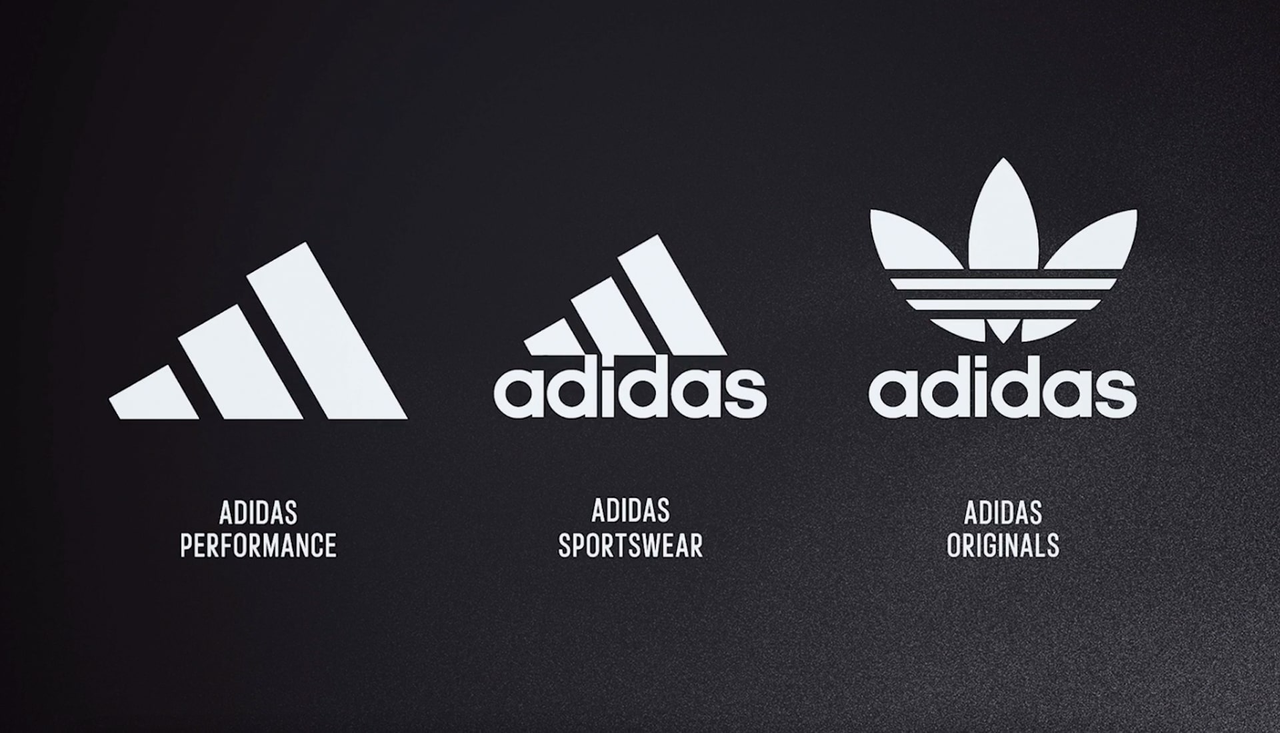
This is the main, most detailed version of your logo. It's the full logo lockup with all its elements, like the logomark, logotype, and maybe even a tagline.
Use this for primary brand touchpoints where you have plenty of space. It's perfect for your website header, the front of a brochure, or on business cards.
Your logo is the cornerstone. Include:
2. Color Palette
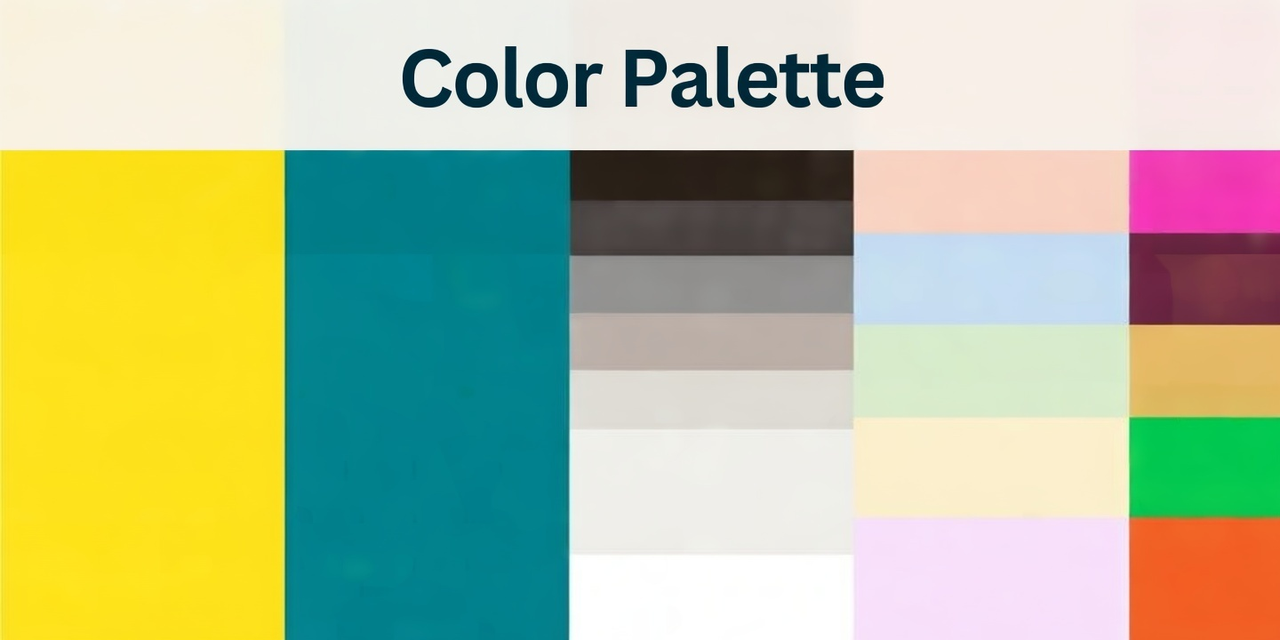
Colors trigger emotions and create instant associations. A solid palette usually features:
3. Typography

Typography sets the voice and personality of your brand before anyone reads a single word—it can feel modern, elegant, playful, trustworthy, or corporate.
Define your primary headline font for impact, a secondary body font for readability, and guidelines for pairings, weights (light to bold), minimum/maximum sizes, line spacing, and alignment.
Include web-safe fallback fonts if you’re using premium ones, plus download links or license details so everyone can access them legally.
Clear rules here prevent mismatched fonts that can make your content look amateur or off-brand.
4. Imagery and Photography Style
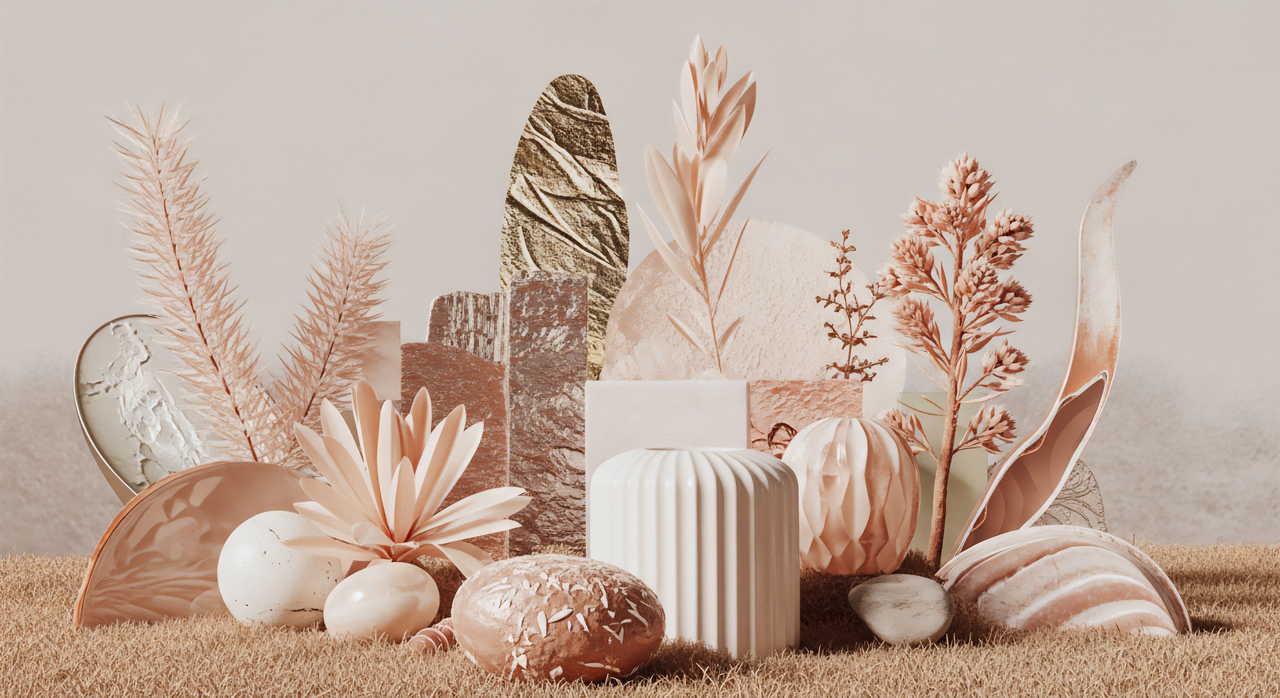
Imagery is how your audience “sees” your brand’s world, so a dedicated Imagery section keeps visuals cohesive instead of a random mix of stock photos.
Create a mood board with example images that capture your desired feel, then specify preferred filters, editing styles, color grading, and types of shots (lifestyle, product-focused, people, abstract).
List approved stock photo sources or custom shoot guidelines to avoid generic, mismatched imagery that weakens your identity.
This section turns photography from an afterthought into a powerful, consistent brand asset.
5. Graphic Elements and Icons
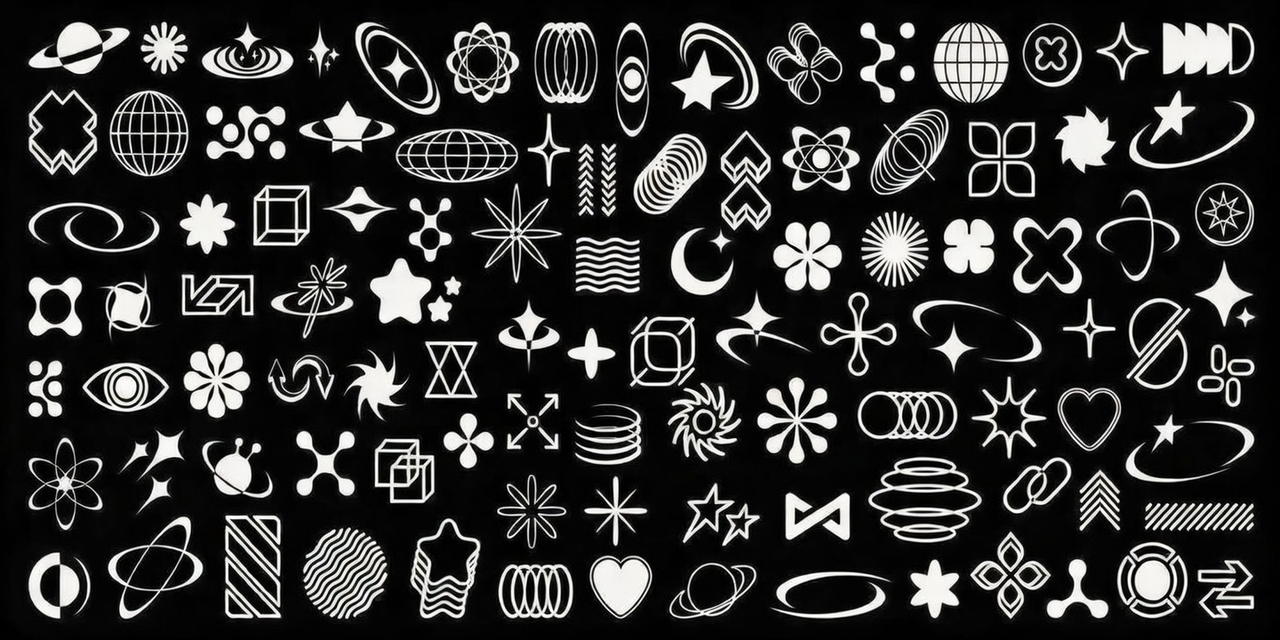
Custom graphic elements—like icons, patterns, borders, dividers, and illustrations—add unique personality and make your brand instantly distinguishable.
Include complete icon sets (line, filled, or duotone styles), repeatable background patterns, custom shapes or frames, and any branded illustrations that extend your visual language.
These reusable pieces help designers create templates quickly while reinforcing your brand’s look across social graphics, packaging, or UI.
Think of them as the “secret sauce” that makes your designs feel custom rather than cookie-cutter.
6. Voice and Tone Guidelines
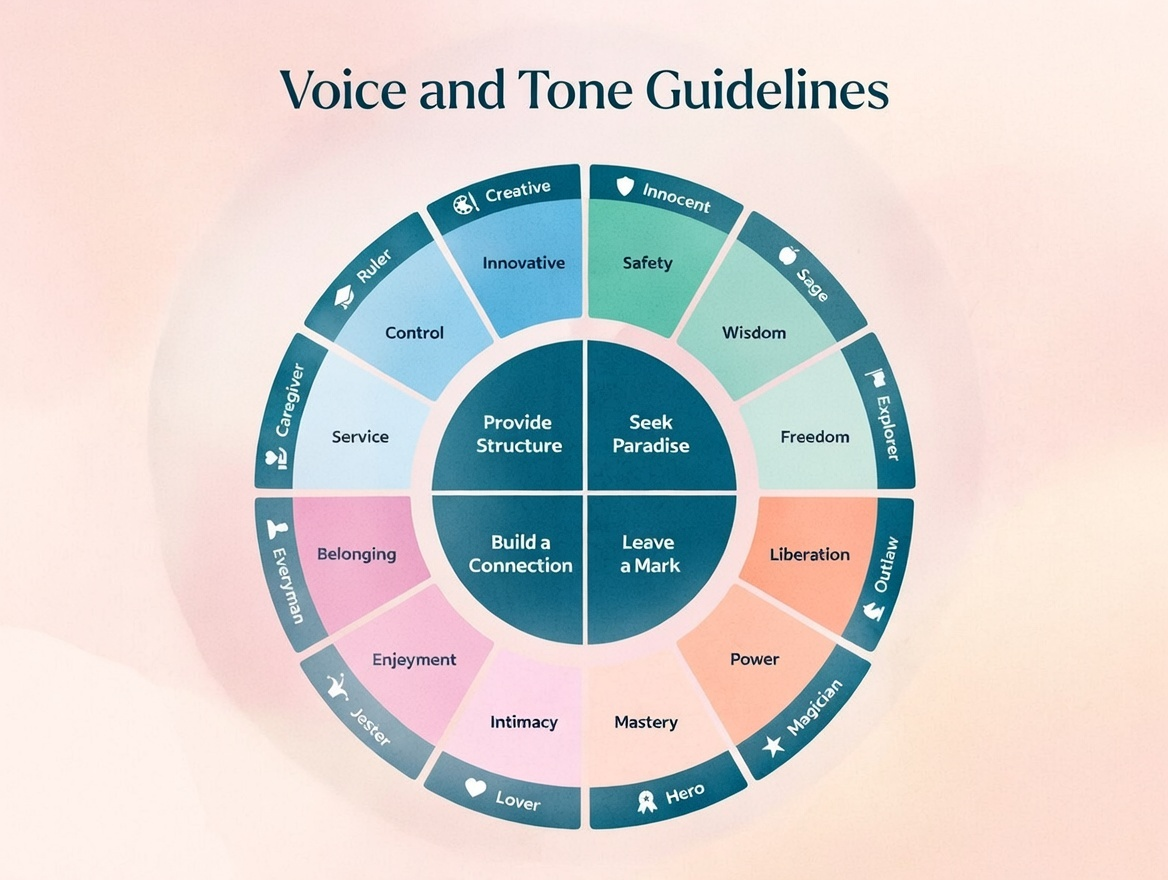
Even though a Brand Kit is mostly visual, including Voice and Tone Guidelines bridges the gap between what your brand looks like and how it speaks.
Define your brand’s personality traits (e.g., “bold yet approachable,” “witty and knowledgeable”), key messaging pillars, writing style (casual vs. professional), and preferred vocabulary (plus words/phrases to avoid).
This ensures emails, social captions, ads, and website copy all feel like they come from the same brand—not different people. When visuals and voice align, your brand becomes instantly recognizable and trustworthy.
7. Templates and Ready-to-Use Assets
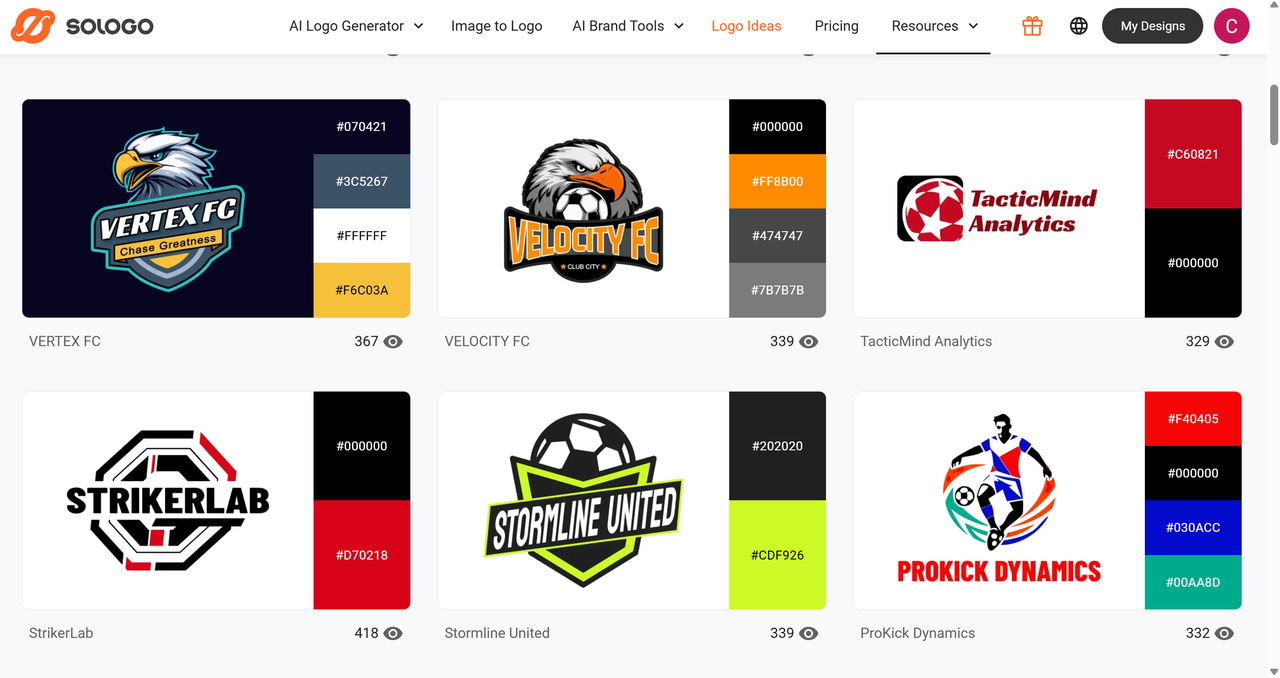
Templates are the ultimate time-saver—they let anyone create on-brand content fast without starting from scratch.
Include pre-made designs for the most common needs: social media posts (Instagram, LinkedIn, TikTok sizes), business cards, email signatures, presentation slides, website banners, and ad creatives.
Platforms like Canva Pro or Adobe Express make it easy to store, share, and apply these templates with one click.
The more ready-to-use assets you provide, the less likely people are to “freestyle” and break brand consistency.
8. Usage Guidelines and Brand Story
A short but powerful Usage Guidelines section reminds everyone why these rules exist and gives context so the kit isn’t just a list of assets.
Include your brand mission/vision, target audience overview, when/where to use specific elements, and any legal notes (trademark info, usage permissions).
This “why” section helps designers, marketers, and new hires understand the bigger picture instead of blindly following rules.
When people get the story behind the brand, they’re more likely to respect and protect it.
A short section explaining:
How to Create a Brand Kit Step by Step
Ready to create one? Follow this practical process.
Common Mistakes to Avoid When Creating a Brand Kit
A good Brand Kit keeps your visuals consistent and saves everyone time—but it’s easy to mess up the basics. Here are the most common pitfalls I’ve seen (and fallen into myself). Dodge these early.
Brand Kit vs Brand Guideline: What's the Difference?
While often used interchangeably—especially in the context of modern digital tools—a Brand Kit and a Brand Guideline serve distinct purposes in brand management.
A Brand Kit is a practical, asset-focused toolkit. It’s a curated collection of ready-to-use elements like logos, color palettes, and templates designed for immediate application. Its primary goal is operational efficiency, enabling teams to create on-brand content quickly and consistently.
In contrast, a Brand Guideline is a comprehensive strategic document. It goes beyond visuals to define the brand’s core identity, including its voice, tone, messaging strategy, and long-term positioning. It serves as the definitive rulebook that governs howand whybrand elements should be used.
The core difference lies in scope and function:
Bringing It All Together: Get Your Professional Brand Kit Today
You've seen how a well-structured brand kit transforms scattered designs into a unified, professional identity. It saves time, builds trust, and lets your brand shine consistently everywhere.
If you want to skip high designer fees and endless trial-and-error, try an AI brand kit generator. Sologo.AI creates complete, professional brand kits—logos, color palettes, typography, and templates—in minutes, at a fraction of traditional design costs. It’s ideal for launching a new brand or refreshing an existing one with flexible, scalable results.
Stop struggling with inconsistent visuals. Build a cohesive brand identity that grows with you—start exploring Sologo.AI today and see how easy professional branding can be.
FAQs About Brand Kits
Q1: Do I need a brand kit if I'm just starting out?
Yes, even if you're a solopreneur or just launching, a brand kit is invaluable. Starting with a simple, well-defined set of assets (like a consistent logo, color palette, and font) helps you look professional and established from day one. It prevents the common pitfall of using random visuals that dilute your brand identity. By establishing consistency early, you save time and money on future rebrands or corrections, and you build trust with your audience faster.
Q2: How much does a brand kit cost to create?
The cost can vary widely based on your needs and resources. DIY options using tools like Canva or free design resources can be very affordable or even free. For professional, custom-designed kits from agencies or freelancers, expect to invest anywhere from 1,000to10,000 or more, depending on complexity. A growing middle ground is AI-powered tools like Sologo.AI, which offer high-quality, personalized brand assets at a fraction of the cost of traditional design services, making professional branding accessible to smaller budgets.
Q3: Can I update my brand kit later?
Absolutely. Your brand kit should be treated as a living document that evolves with your business. As your company grows, your brand might need to adapt to new markets, audiences, or trends. The key is to manage updates thoughtfully: document changes clearly, maintain version control, and communicate updates promptly to everyone who uses the kit (like team members, freelancers, or partners) to ensure ongoing consistency.
Q4: Where should I store my brand kit?
Accessibility is crucial. For most businesses, cloud storage like Google Drive or Dropbox works well, as it allows easy sharing and updating. Many design platforms like Canva and Adobe Express also offer built-in Brand Kit features that let you centralize assets directly within the tools your team uses daily. For larger organizations, dedicated brand management portals (like Frontify or Bynder) provide advanced control over permissions, versioning, and usage analytics to keep everything organized at scale.