Finding Your Perfect Brand Logo: A Deep Dive into the Best AI Logo Generators
Staring at that empty square on your new website? Yeah, I’ve been there. You know you need a professional logo, but the thought of hiring a designer makes your wallet nervous. And trying to design one yourself in some complicated software? That’s a whole weekend you’ll never get back, and you might still end up with something that looks like it was made in Microsoft Paint.
It’s frustrating. You have a great business idea, but getting a simple, clean logo feels like a huge hurdle.
What if you could get a custom, professional-looking logo in minutes, without breaking the bank? That’s the promise of best AI logo generators. These smart tools use artificial intelligence to create unique designs based on your preferences. But with so many options out there, which one is actually worth your time?
Let's explore some of the top AI logo generators on the market to help you find the perfect fit for your brand.
The Top AI Logo Generators Face-Off
We’re putting some of today’s most popular logo generators under the microscope — including Sologo.AI, Looka, Canva, Tailor Brands, and several others. Each has its own strengths, so let’s see how they stack up.
-
Sologo.AI
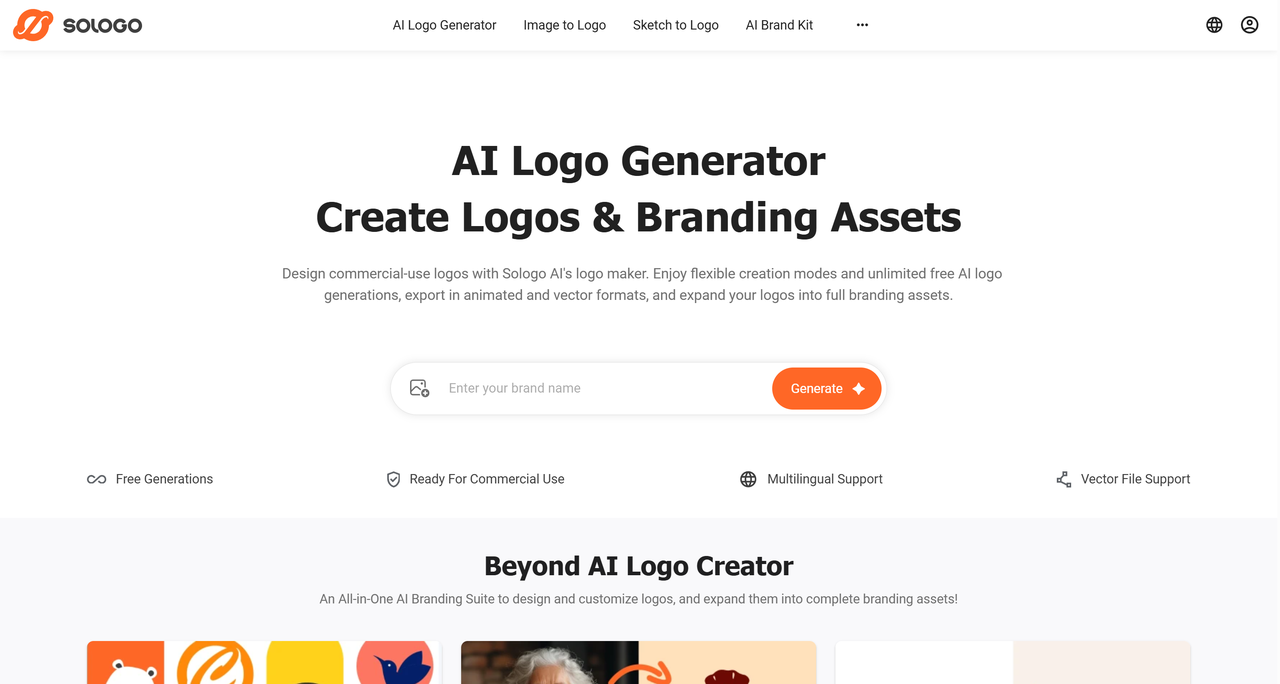
Sologo.AI is one of the newest and cleanest AI logo generators out there, built around pure simplicity and lightning-fast results. With its versatile features like image to logo, name to logo and sketch to logo, anyone can create a professional-looking logo in minutes—no design skills required.
The whole experience feels smooth and intuitive: just type a description, upload a photo, or scribble a quick sketch, and you’ll instantly get dozens of polished, on-brand options that actually match the personality you’re going for. From idea to final downloadable logo, it really is zero hassle.
- Product Overview: A fast, free, and AI-driven logo generator with versatile features for personalized results.
- Pros: Very easy to use; the template-based generations is unique and effective; great for getting a specific style quickly.
- Cons: Branding asset features are relatively new and may not yet be as extensive or structured as long-established all-in-one branding platforms.
- Pricing: Freemium credit-based: Free (10 credits one-time, ~20 images, generation only, no downloads/commercial rights), Standard ($19/month or $99/year for 200 credits/month, ~400 images, full downloads, commercial rights, brand kits).
- User Experience: Smooth and genuinely beginner-friendly. The clean dashboard offers clear guidance, letting you go from idea to polished logo (and optional brand kit) in just a few minutes—no. No design experience required.
-
Looka
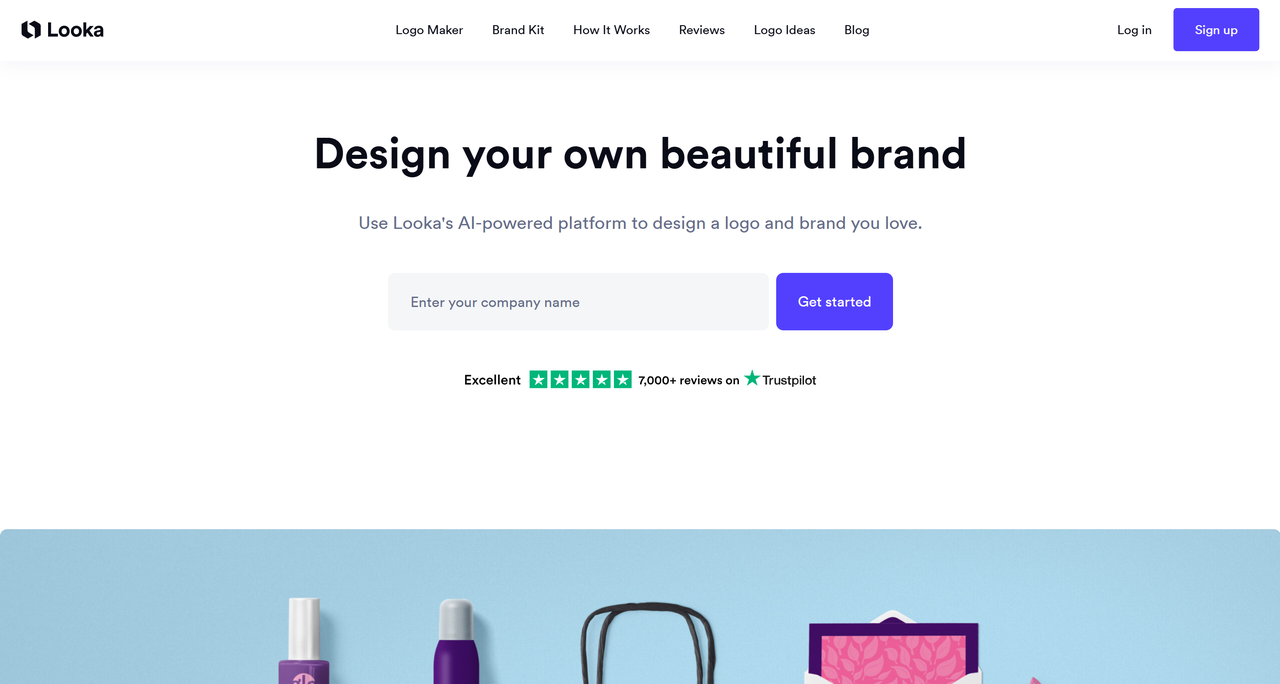
Looka is a well-known name in the AI logo space. It’s famous for not just creating a logo but also generating a complete brand kit. This includes things like social media profile pictures, product packaging design, and business card designs. It uses your design preferences to generate a wide variety of options and then helps you build a consistent brand identity around your favorite one.
- Product Overview: An AI-powered platform that creates a logo and a comprehensive brand kit to go with it.
- Pros: Generates a huge variety of designs; the brand kit is incredibly useful and saves a lot of time.
- Cons: The best features are locked behind the more expensive subscription plan.
- Pricing: One-time purchase: Basic ($20 for 1 low-res PNG, personal use), Premium ($65 for multiple high-res files including vectors/SVG/EPS/PDF, unlimited edits, full ownership), Brand Kit ($96/year subscription for unlimited changes, 300+ assets, social templates, guidelines).
- User Experience: Polished and professional, but can have a lot of options to sift through.
-
Canva
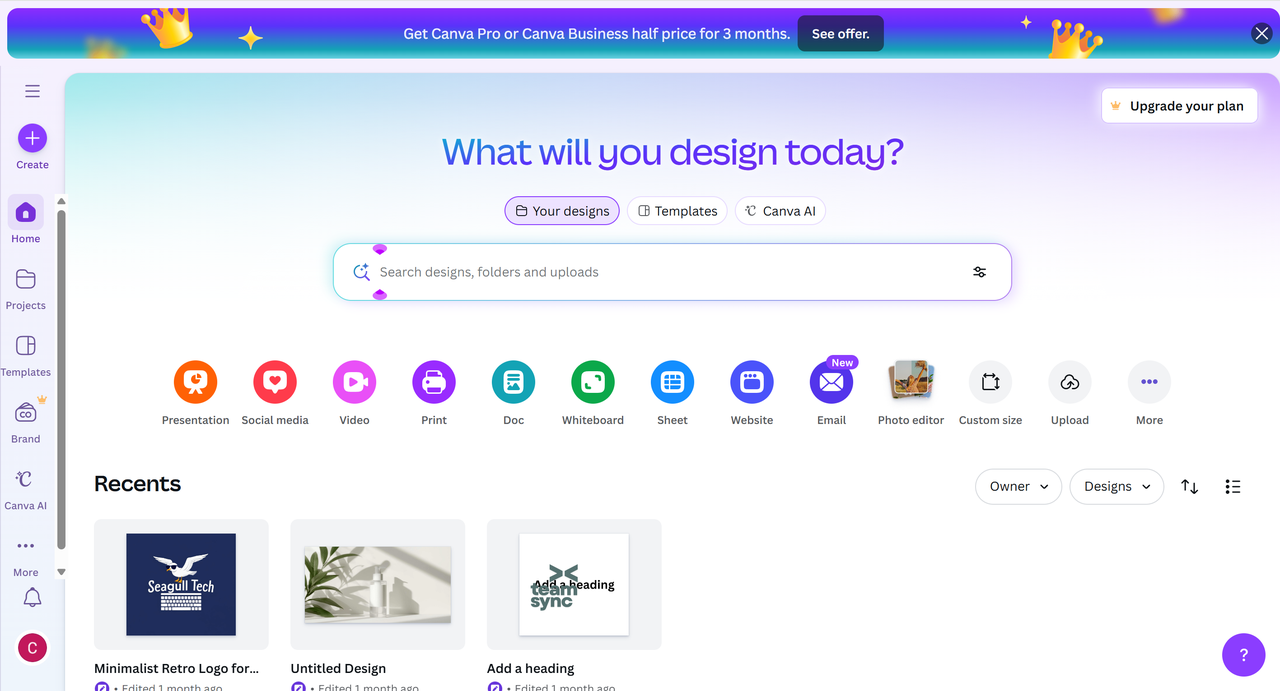
Canva is the Swiss Army knife of online design. While not strictly a dedicated AI logo generator in the same way as the others, its logo maker is incredibly popular. It offers thousands of templates that you can customize. Recently, it has integrated more AI features to help suggest design elements, making it a powerful tool if you want more hands-on control and are already familiar with its platform.
- Product Overview: A massive online design platform with a template-based logo maker and integrated AI design tools.
- Pros: Extremely flexible; huge library of elements; part of a larger, familiar ecosystem for many users.
- Cons: Can feel overwhelming with too many choices; logos are based on templates, so uniqueness can be a concern.
- Pricing: Freemium: Free (limited AI tools, 5GB storage, basic templates/downloads in PNG/JPG/PDF, no premium elements/Brand Kits), Pro ($13/month or $119.99/year, unlimited AI access for logo gen, 100GB storage, premium content, 5 Brand Kits, print-ready exports).
- User Experience: Very user-friendly if you're familiar with design tools, but can be a bit cluttered.
-
Tailor Brands
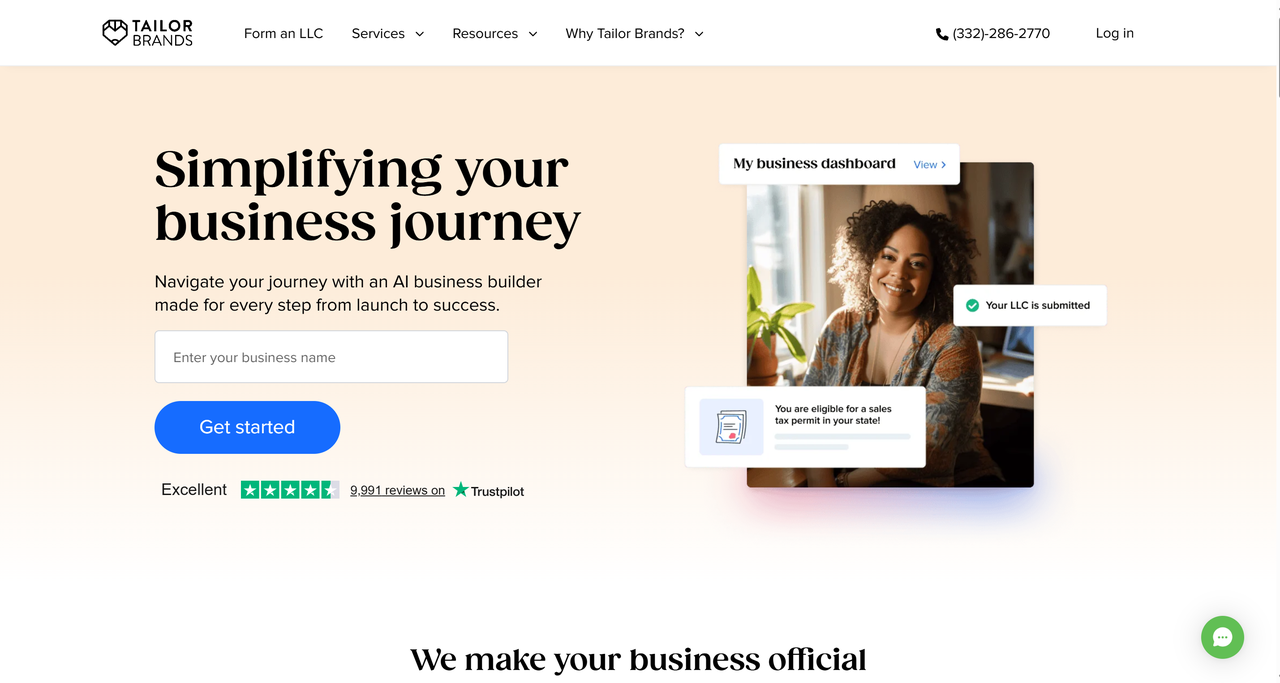
Tailor Brands positions itself as an all-in-one business-building platform. The logo maker is just the starting point. It guides you through a series of style questions (like choosing fonts and icons you prefer) to generate logo options. From there, it pushes you toward using their other services, like website building, social media management, and even forming an LLC.
- Product Overview: An all-in-one branding platform that starts with a logo and extends to websites, social media, and business formation.
- Pros: Good for entrepreneurs who need more than just a logo; a one-stop shop for branding needs.
- Cons: Can be pushy with upsells for other services; logo customization is more limited than others.
- Pricing: Subscription-based: Basic ($3.99/month billed annually or $9.99/month, high-res logo files, full ownership, digital assets), Standard ($5.99/month annually or $19.99/month, adds vector EPS, website builder, branded decks), Premium ($12.99/month annually or $49.99/month, adds social scheduler, analytics, online store).
- User Experience: Smooth and guided, but heavily geared towards signing you up for a subscription.
-
Logoai
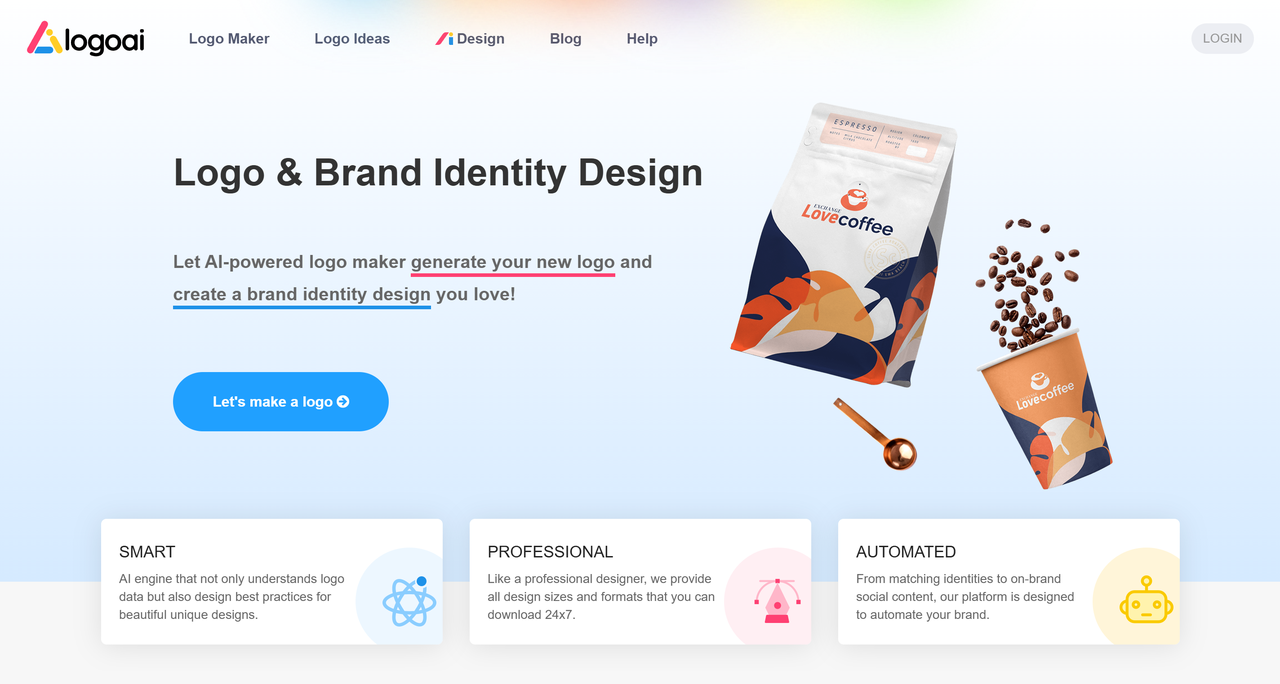
Create professional logos in minutes with Logoai's AI-driven platform. It offers brand-centric tools like full identity kits and style guides. Ideal for startups seeking a cohesive, custom brand look instantly. A top choice for all-in-one logo design and branding.
- Product Overview: An all-in-one AI logo generator and brand identity platform that creates professional logos and extends them into full brand kits.
- Pros: Extremely fast; provides a complete suite of brand assets (logos, social media kits, business cards); strong on brand consistency.
- Cons: Logos can sometimes feel less unique as the style is templated; advanced customization outside the system is limited.
- Pricing: One-time payment: Basic ($29 for low-res files), Pro ($59 for high-res vectors and branding elements), Brand ($99 for full brand kit and assets). Free to generate and preview designs.
- User Experience: Very smooth, guided, and business-friendly. The dashboard is clean, making it easy for non-designers to navigate from logo to full brand assets.
-
Logo Diffusion
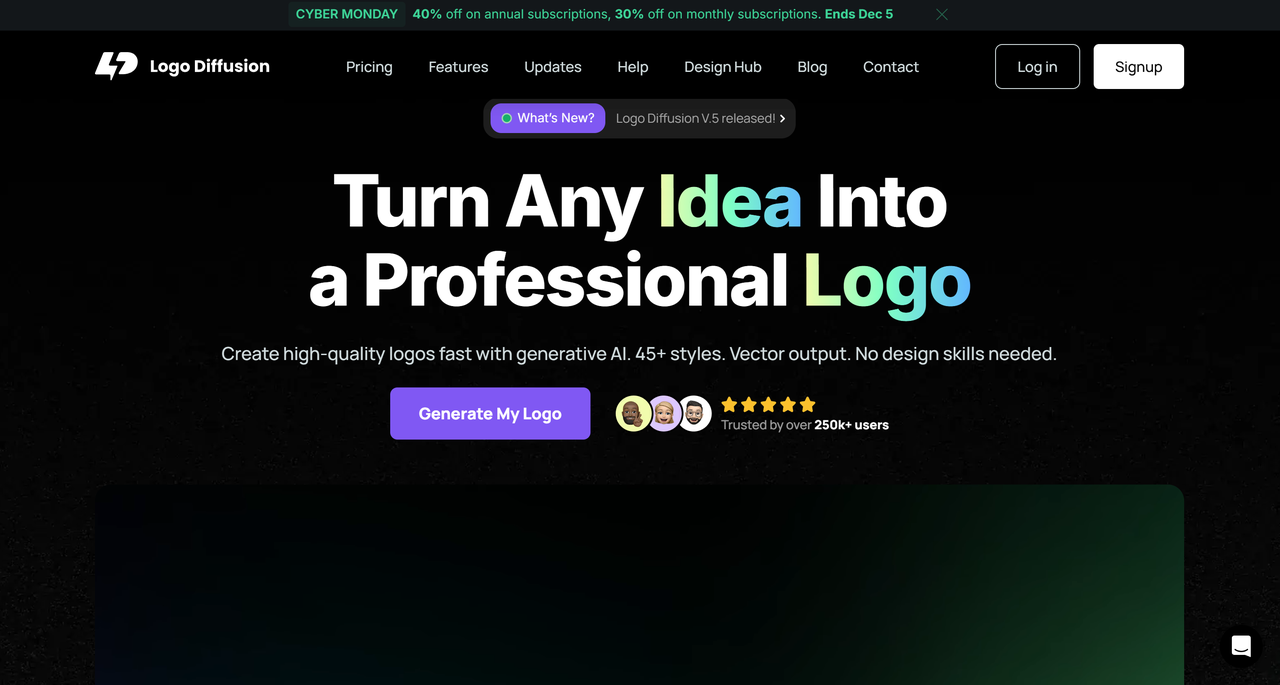
Generate stunning, detailed logos using advanced diffusion AI models. It excels in artistic and creative logo concepts with high customizability. Perfect for designers seeking unique, visually-rich brand marks. Turn your vision into a one-of-a-kind logo.
- Product Overview: A cutting-edge logo generator powered by fine-tuned Stable Diffusion models, focusing on highly artistic and detailed logo imagery.
- Pros: Exceptional for unique, creative, and visually complex logo concepts; offers unparalleled artistic control through AI prompts.
- Cons: It has a steeper learning curve; outputs may require more manual editing and may not be as instantly "business-ready" as others.
- Pricing: Subscription-based: Free (40 credits/month, ~20 designs, personal use only), Basic ($24/month for 1000 credits, ~500 designs), Pro ($49/month for 2500 credits, ~1250 designs). Annual discounts are available.
- User Experience: Favors creative professionals and tech-savvy users. The interface is built for ideation and refinement, not necessarily for quick, templated solutions.
-
Logoponey
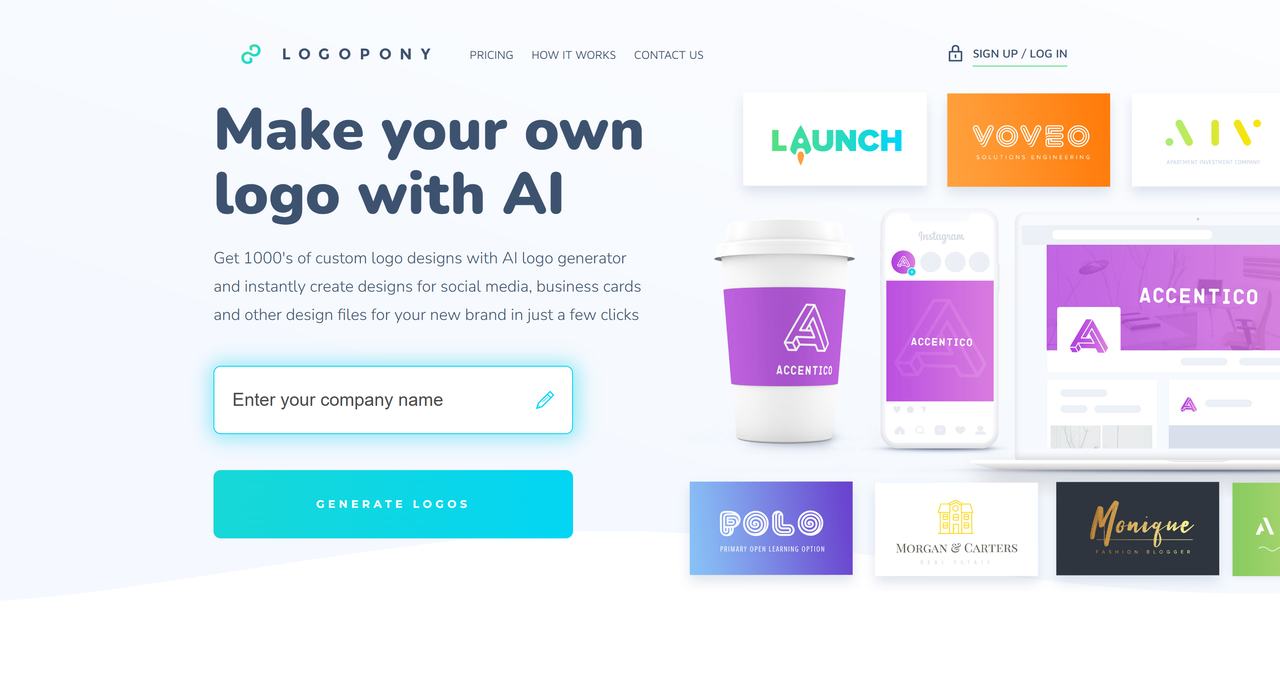
Get a custom, handcrafted-style logo tailored to your business ethos. Logopony uses a quick questionnaire to understand your brand's core. It delivers personalized logo concepts with a human-design touch. A great blend of speed, simplicity, and character.
- Product Overview: An AI logo generator that emphasizes a quick, personalized process to deliver logos with a "handcrafted" aesthetic and character.
- Pros: Fast and very simple process; good at creating friendly, approachable, and mascot-style logos; strong focus on the business story.
- Cons: Style range is more niche (less suited for ultra-minimalist or corporate tech logos); customization options can be more limited.
- Pricing: One-time payment: Basic ($20 for one low-res file), Premium ($60 for 50+ high-res files and extras), Business ($100 for 10 logos). Free to generate unlimited ideas; pay only to download.
- User Experience: Extremely user-friendly and feels guided. The process is straightforward, making it ideal for small business owners who want a personal touch without design complexity.
-
Dreamina AI--Online AI Logo Generator

Dreamina AI focuses on creative exploration for innovative logo ideas. Its generator is designed for modern, distinctive, and trendy brand marks. Easily experiment with various styles to find your perfect match. A solid tool for cutting-edge, custom logo creation.
- Product Overview: An AI-powered creative suite with a strong logo generator module, designed for modern, trendy, and distinctive brand mark exploration.
- Pros: Excels at generating contemporary and stylish logo concepts; often integrated with other AI design tools (e.g., image generation) for versatility.
- Cons: As a newer or more niche platform, it may have fewer reviews or a less established track record compared to larger players.
- Pricing: Freemium credit-based: Free (150 credits/day, ~50 images, non-commercial), Basic (~$18/month for 1010 credits), Standard (~$42/month for 4040 credits), Advanced (~$84/month for 13,110 credits).
- User Experience: Generally modern, visually appealing, and intuitive. It encourages playing with different styles and is geared towards users looking for a fresh, on-trend design.
At a Glance: Feature Comparison
Choosing the right tool depends on what you need. Are you looking for a quick logo, or a full branding package? Here’s a side-by-side look to make your decision easier.
|
|
AI Quality
|
Customization
|
Commercial Rights
|
Learning Curve
|
Template Quality
|
Industry Focus
|
|
Sologo.AI
|
Excellent
|
High
|
Full (paid plans)
|
Easy
|
High
|
All industries
|
|
Canva
|
Good
|
Very High
|
Full
|
Medium
|
Variable
|
All industries
|
|
Looka
|
Excellent
|
Medium
|
Full (final design)
|
Easy
|
High
|
All industries
|
|
LogoAI
|
High
|
High
|
Full
|
Very Easy
|
High
|
All industries
|
|
Tailor Brands
|
Good
|
Medium
|
Full
|
Medium
|
Good
|
All industries
|
|
Logo Diffusion
|
Excellent
|
Extensive
|
Full (paid plans)
|
Low
|
N/A
|
Versatile (creative fields)
|
|
Logopony
|
Excellent
|
Strong
|
Full (unlimited use)
|
Very Low
|
High
|
General
|
|
Dreamina AI
|
Good
|
Moderate
|
Full (paid plans)
|
Low
|
Moderate
|
Creative/Marketing
|
How to Create a Custom Brand Logo in 2026 (Step-by-Step)
Step 1: Define your brand personality first
Are you bold, friendly, luxurious, playful, or trustworthy? Knowing this upfront helps Sologo.AI generate logos that truly match your vibe.
Step 2: Research your competitors
Check out logos in your industry. Identify what's common, what's standout, and where you can differentiate— this inspires better inputs for Sologo.AI.
Step 3: Start with Sologo.AI
Head to sologo.ai and input your brand name, along with your industry, preferred style (e.g., minimalist, mascot, abstract), and personality keywords. The AI generates unique options instantly and unlimited times for free.
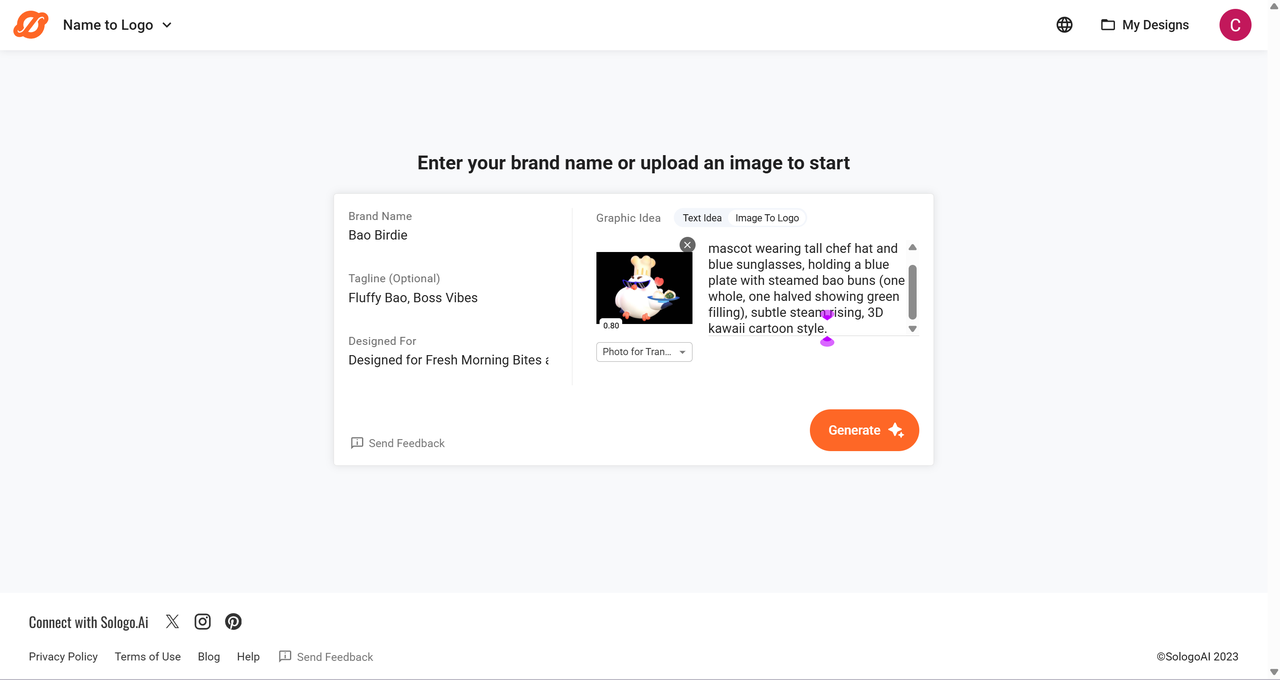
Step 4: Explore creative inputs
For more personalized results, upload a photo, sketch, or drawing. Sologo.AI's Image-to-Logo or Sketch-to-Logo tools transform them into professional designs quickly.
Step 5: Customize fonts and colors
Pick a favorite generation, then tweak fonts to fit your brand (e.g., sleek sans-serif for tech, elegant scripts for luxury). Adjust colors thoughtfully—stick to 1-3 for impact, using psychology like blue for trust or red for energy.
Step 6: Refine for simplicity
Keep it clean: Ensure the logo looks sharp even when small. Use Sologo.AI's editor or prompts to simplify layouts, icons, and text.
Step 7: Preview and expand
See how your logo looks on business cards, merchandise, social media, and more with built-in mockups. Then, generate a full brand kit for consistent colors, fonts, and assets.
Step 8: Get feedback and finalize
Share options with friends or potential customers. Once perfect, download in high-quality vector (SVG/PDF) and PNG formats—no watermarks, ready for commercial use.
Common Mistakes People Make When Creating a Logo (and How to Avoid Them)
Here’s the stuff I see all the time that makes me cringe a little when someone shows me their new logo:
- Trying to put the whole story in one picture “
It’s a coffee shop + bookstore + coworking space + we’re eco-friendly + my dog’s name is Max…” Chill. The best logos are stupidly simple. Think Nike, Apple, McDonald’s. If your mom can’t draw it from memory after seeing it twice, you overcooked it.- Forgetting it has to work tiny You spent hours on that cool gradient and tiny leaf detail… then you slap it on a business card or favicon and it turns into a blurry blob. Always zoom out to 16×16 px and ask: “Do I still get it?” If not, simplify.
- Chasing every hot trend Neon gradients, blob shapes, super-thin minimalist type – they look fire right now, but give it 18 months and it’ll scream “
designed in 2025.” Timeless beats trendy every single time.- Downloading only PNGs and calling it a day PNG is great for your website, but when the printer or sign guy asks for a vector (SVG/EPS), you’re stuck. Pay the extra $20–40 once and get proper files – you’ll thank yourself later.
- Designing it for yourself, not your customers You love heavy metal album art, but your target audience is yoga moms. Guess whose taste matters? Always ask: “Would my ideal customer feel proud putting this on their bag?”
Bonus rookie move: using a logo maker, loving one design, buying it… and then never tweaking the colors or fonts. Even the best AI generator ones that let you customize – actually customize it. Five minutes of playing with the editor usually takes it from “pretty good” to “that’s mine.”
Avoid these traps and your logo will still look fresh five, ten years from now – and work everywhere from a billboard to a ballpoint pen. Simple as that.
Conclusion
Ultimately, when asking “What are the best logo generators to generate a custom brand logo?”, the answer always comes down to tools that perfectly balance powerful AI with your own creative vision.
Whether you need full brand kits, intricate artistic details, or a polished handcrafted feel, the right platform makes it fast and effortless. For a standout choice that truly nails this balance, we highly recommend Sologo.AI — its intuitive interface and deep customization let you create a unique, professional, and eye-chatching logo that perfectly represents your brand.
Frequently Asked Questions (FAQs)
1. Can you legally make a logo on Canva?
When building a logo you plan to trademark in Canva, stick to basic shapes, lines, and any of the platform’s fonts—these are completely safe. Avoid all stock photos, premium graphics, and illustrations, even the “free” ones, because they come with only a non-exclusive license and can block trademark registration. Keep it simple and original, and your logo will be 100% yours to protect.
2. What are the most important file types I should get with my logo?
You should always get high-resolution PNG (with a transparent background) and JPG files for general web use. Most importantly, you need a vector file, such as an SVG or EPS. Vector files can be resized to any size—from a tiny favicon to a giant billboard—without losing quality.
3. Are the logos of these generators truly unique?
They are semi-unique. The AI combines fonts, colors, icons, and layouts based on your input to create a final design. While it's possible someone could generate a similar logo, the chances are very slim. Platforms like Sologo.AI, which use a more interactive process, tend to produce more distinct results than template-based tools.
4. How much should I realistically expect to pay for a good AI-generated logo?
Prices vary widely. You can expect to pay anywhere from $20 for a basic, low-resolution file to over $100 for a full package with high-resolution vector files, brand guidelines, and social media assets. Always check what's included in the price before you buy.
5. Can I make changes to my logo after I've purchased and downloaded it?
This depends on the service. Some platforms allow you to make minor edits (like color changes) for a short period after purchase. Others consider the transaction final. If you have the vector file (SVG, EPS), you or a designer can edit it later using software like Adobe Illustrator.