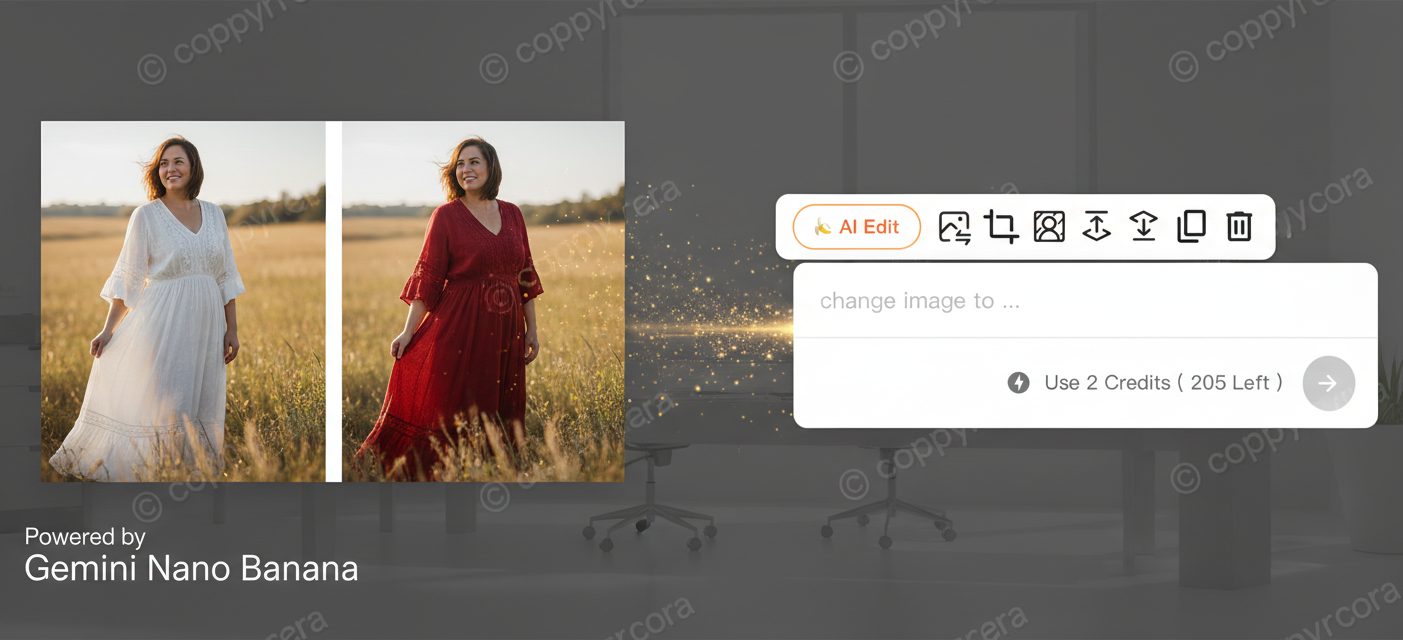
Great news! Today, we are thrilled to announce that Sologo.ai has officially integrated Gemini Nano Banana's AI image editing capabilities into our Advanced Editor!
Say Goodbye to Complexity, Embrace "One-Sentence" Editing
-
Change Backgrounds: "Change the background to solid white" or "Replace the background with a sunset at the beach."
-
Modify Colors: "Change the dress from white to red" or "Paint the car blue."
-
Add/Remove Elements: "Place a bouquet of flowers on the table" or "Remove the utility pole from the photo."
-
Adjust Styles: "Make this look like an oil painting" or "Apply a cinematic film effect."
And so much more! Your imagination is the only limit.
Real-World Case: From White Dress to Red in Just One Sentence!
Let’s look at a simple example. Imagine you have a photo of someone wearing a white dress, but you want it to look more vibrant and energetic.
How to Use It
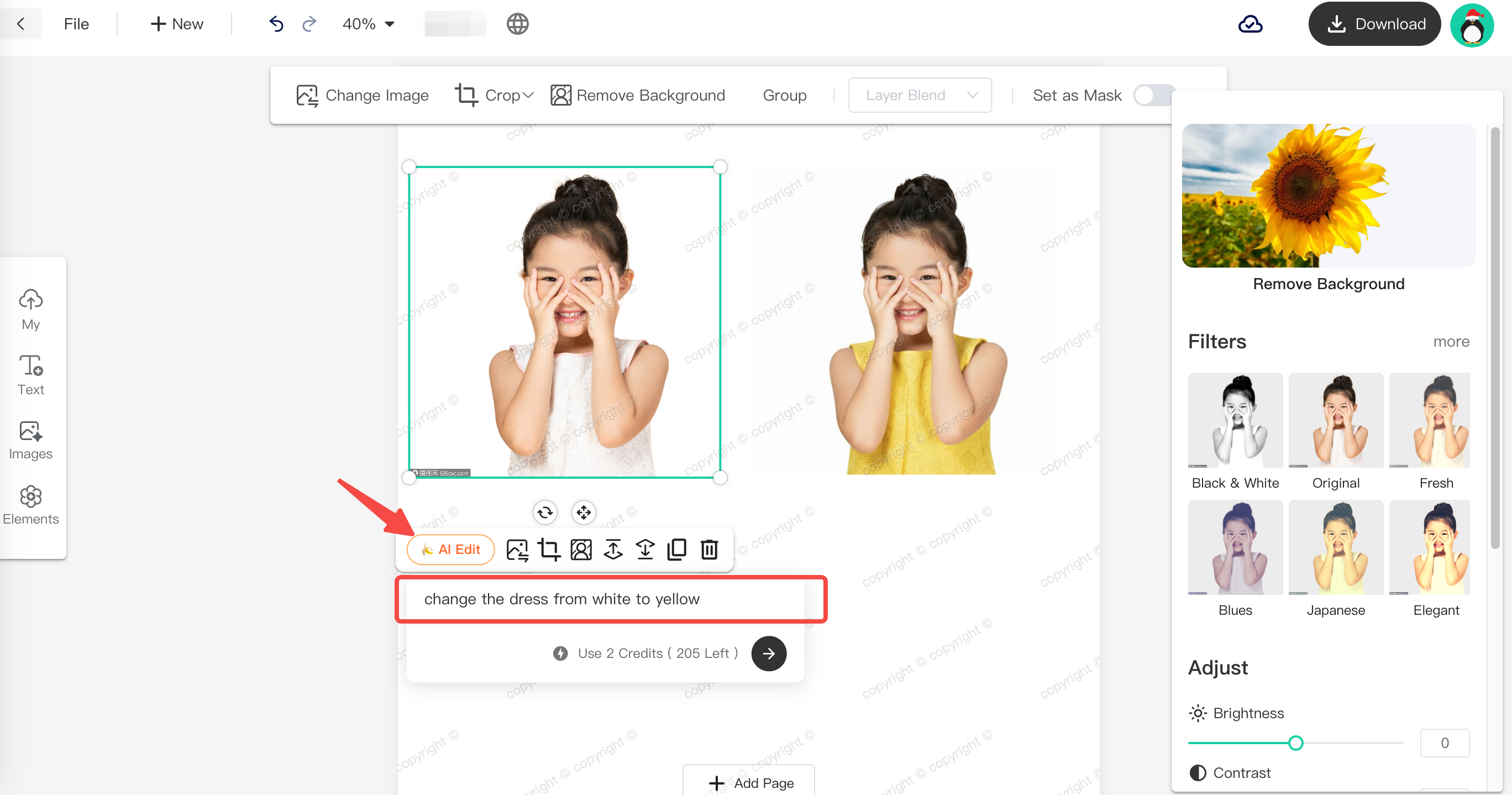
Within the Editor, select your image and simply click the "AI Edit" button. In the prompt box, type: "Change the white dress to a vibrant red dress." A few seconds later, you’ll see a perfectly transformed photo with a stunning red dress!
Experience it now and unleash your boundless creativity!