The short answer: Yes — Canva is excellent for many people creating logos, and doesn't have advanced design skills. But it may not be perfect for creating a truly high-quality logo.
In this comprehensive review, I'll walk you through everything you need to know: its real strengths and limitations, who it's best for, pricing details, user experiences, and solid alternatives if it doesn't fit your needs.
Is Canva Really Suitable for Logo Design in 2026?
Your logo is often the first thing people see when they encounter your brand — on your website, Instagram profile, business cards, packaging. A strong logo builds instant recognition, conveys your personality, and sets you apart in a crowded market.
But professional logo design from agencies can cost anywhere from $500 to $5,000+, which isn't realistic for everyone starting out. That's where DIY tools like Canva shine. Launched back in 2013, Canva has grown into a powerhouse with over 260 million monthly active users worldwide. Its logo maker is part of a much larger ecosystem for creating everything from social media graphics to presentations and videos.
In recent years, Canva has evolved with better AI features, more templates, and improved export options — but the core question remains: Can you create a good, usable logo that stands the test of time?
Apparently, most designers tend to use standard industry software like Adobe Illustraion, Adobe Photoshop and CorelDRAW — tools built specifically for precise vector work, advanced typography control, and professional-grade output.
That said, Canva works well for fast, affordable logos with a clean, modern look, but for truly timeless, scalable brand identities, professional vector software still has the advantage.
Biggest Advantages of Using Canva for Logo Design
After testing Canva’s logo maker extensively (both free and Pro versions), here are the aspects that actually make a difference for most users — especially non-designers, small businesses, creators, and side projects.
The drag-and-drop editor is genuinely intuitive. You can start with a blank canvas or a template and move, resize, recolor, or layer elements without needing to learn complex tools or shortcuts. This low learning curve is the single biggest reason beginners choose Canva over Illustrator or Affinity Designer.
Canva offers thousands of logo templates across dozens of styles — minimalist wordmarks, badges, monograms, modern abstract marks, vintage, illustrative, etc. Searching “minimal logo” or “gaming logo” surfaces relevant, contemporary starting points that already look decent. Many are created by professional designers, so you’re rarely starting from zero.
You get access to millions of free photos, icons, shapes, illustrations, and a solid selection of fonts — even on the free plan. For simple or social-media-focused logos this is usually more than enough; you rarely need to pay for premium elements just to make a clean design.
Duplicating a design takes one click, so testing color variations, font swaps, or completely different layouts is fast. You can iterate 10–15 concepts in under half an hour, which is great during early brainstorming.
Once you upgrade, you can save brand colors, fonts, and your primary logo versions. Applying them across business cards, social posts, invoices, etc., becomes almost automatic — a practical time-saver for anyone managing their own branding.
The mobile app is surprisingly capable for logo tweaks. Many users edit on their phone during commutes or breaks, then finish on desktop — something most professional vector programs still don’t handle well.
Unlike some one-off logo makers that restrict you after “purchase,” Canva lets you go back and modify your logo years later, and re-download in different formats or sizes at no extra cost.
You can export PNG (transparent), SVG (vector — Pro), JPG, or PDF, and the files integrate easily with social media tools, email platforms, print-on-demand services, or basic websites.
Where Canva Falls Short
While Canva is excellent for speed and accessibility, it has clear trade-offs — especially when you’re aiming for a professional, unique, or long-lasting brand identity.
Even though there are thousands of templates, many follow similar layouts, color palettes, and icon styles. If you only make minor changes, your logo can end up looking very similar to countless others created on the same platform. This is one of the most common criticisms from branding professionals — lack of distinctiveness.
On the free tier, you can only download PNG or JPG files. These are fine for digital use, but they lose quality when scaled up significantly — think signage, large-format printing, vehicle wraps, or embroidery. True vector export (SVG) is locked behind the Pro plan.
Canva does not offer the precision tools professional designers rely on: no advanced pen tool, no detailed bezier curve control, no proper shape builder, no complex pathfinder operations, and no ability to create truly custom letterforms from scratch. You’re mostly moving, resizing, and layering pre-made elements.
Free elements are cleared for commercial use, but premium (paid) elements require a Pro subscription for commercial projects. More importantly, because millions of people have access to the exact same icons, illustrations, and fonts, logos built heavily from stock assets are considered “non-exclusive.” This can make trademark registration more difficult or risky in some jurisdictions.
The sheer number of templates, fonts, colors, and effects can actually make the process harder for people without design experience. Without a clear sense of direction, it’s easy to spend hours tweaking and still end up with something that feels unfocused.
When you start layering many elements, effects, or high-resolution images, the editor can become noticeably slower — especially in the browser. Some users report lag, occasional crashes, or long loading times on more ambitious projects.
Agencies and freelance designers almost universally avoid Canva for paid client projects. Reasons include the lack of full file ownership/control, limited customization depth, difficulty handing off editable source files to other designers, and concerns about long-term brand scalability and originality.
Is Canva Right for You?
Go for Canva if you:
Consider alternatives if you:
Canva Pricing Breakdown for Logo Creation
Exports: PNG and JPG only (transparent PNG available). SVG export is not available on Free — you’re limited to raster formats, which can lose quality when scaled large. Some premium assets show watermarks or require payment/Pro to use commercially without restrictions.
1.Full access to premium templates, fonts, icons, illustrations, and photos (no watermarks)
2.SVG export (true vector format — essential for scalable logos)
3.Brand Kit (save colors, fonts, logo versions for consistent reuse)
4.Background Remover (very useful for logo cleanup)
5.Magic Resize (quickly adapt logo to different formats/sizes)
6.1TB cloud storageAdvanced AI tools (Magic Design, etc.)
For most logo needs — especially if you want clean vector files (SVG), no watermarks, premium assets, and Brand Kit consistency — Pro is usually worth it, particularly when creating logos alongside other marketing materials.
Top Canva Logo Maker Alternatives
If Canva doesn't quite match your needs—whether for more AI-driven originality, integrated branding, or specialized tools—here are eight strong alternatives to consider:
1.Sologo.AI
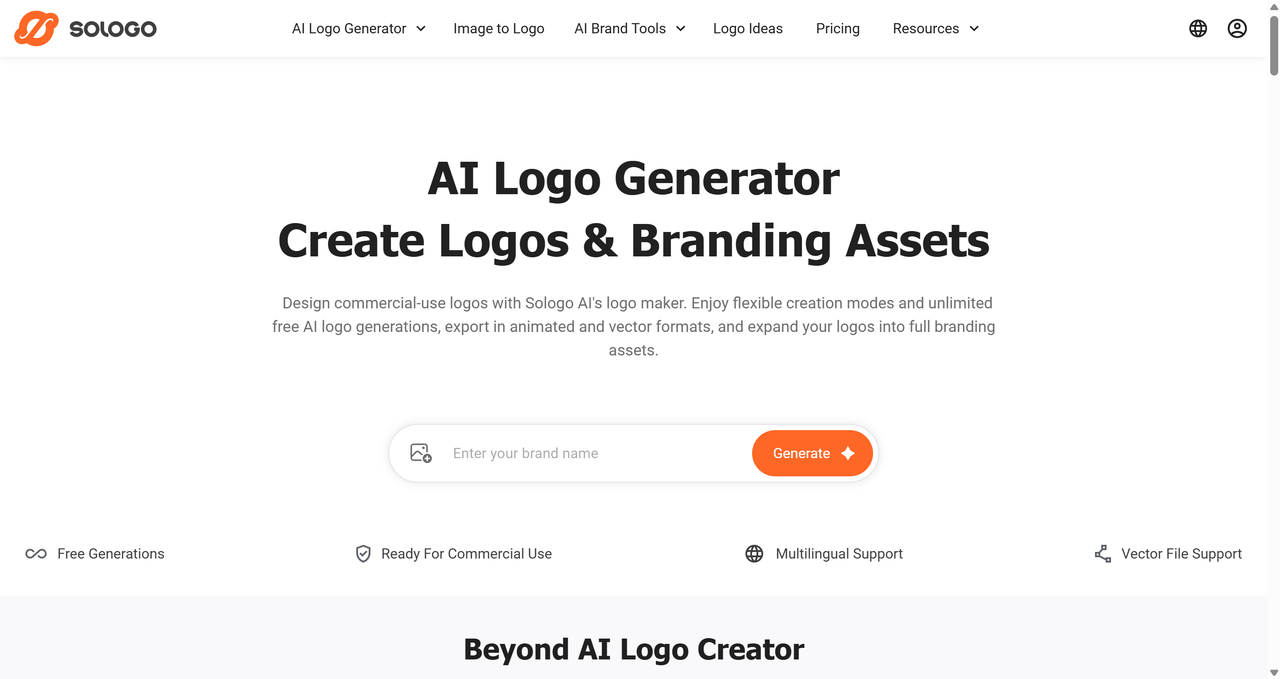
Sologo.AI is an innovative AI-powered logo generator focused on fast, unique designs from text, images, or sketches. It delivers professional logos in minutes with versatile inputs, plus full brand kits including color palettes, fonts, and assets for consistent branding.
With its features like images to logos, allowing you to create stunning logos with AI logo generator. On the platform, each generated logo is clearly marked for trademark registration eligibility and whether it can be purchased outright, making it easy to create legally secure, exclusive logos.
For more detailed tutorials, check out the posts below
How to Create Stunning Logos with AI: A Complete Guide for 2025
Create Stunning AI Logos from Text – AI Logo Generator
How to Create a Brand Kit with AI in 2026: Step-by-Step Guide Using Sologo.AI
2.Looka
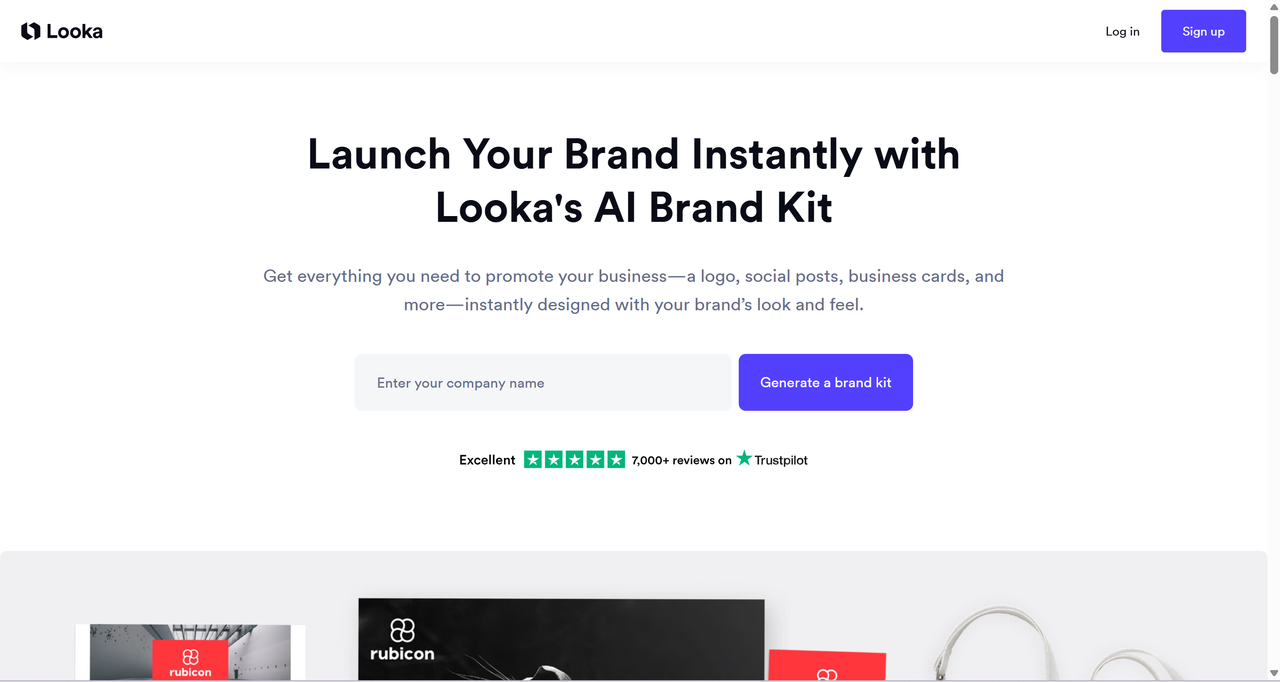
Looka is a leading AI logo maker that creates custom logos based on your business name, industry, and style preferences.
It stands out with comprehensive brand kits featuring hundreds of assets like social media templates, business cards, and watermarks, plus strong vector exports.
3.Logo Diffusion
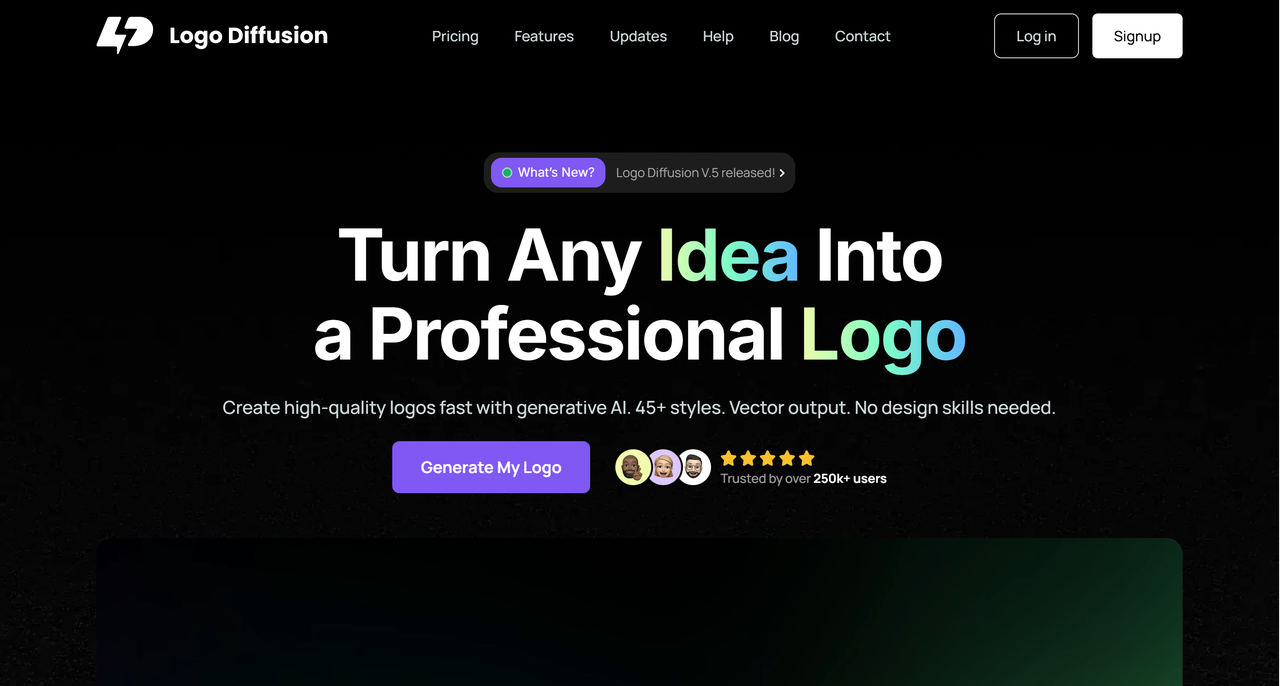
Logo Diffusion — Specialized AI generators emphasizing originality and creative prompts.
They focus on generating unique, non-generic logos with text-to-logo AI, style variations, and high-resolution outputs for
standout designs.
4.Adobe Illustrator
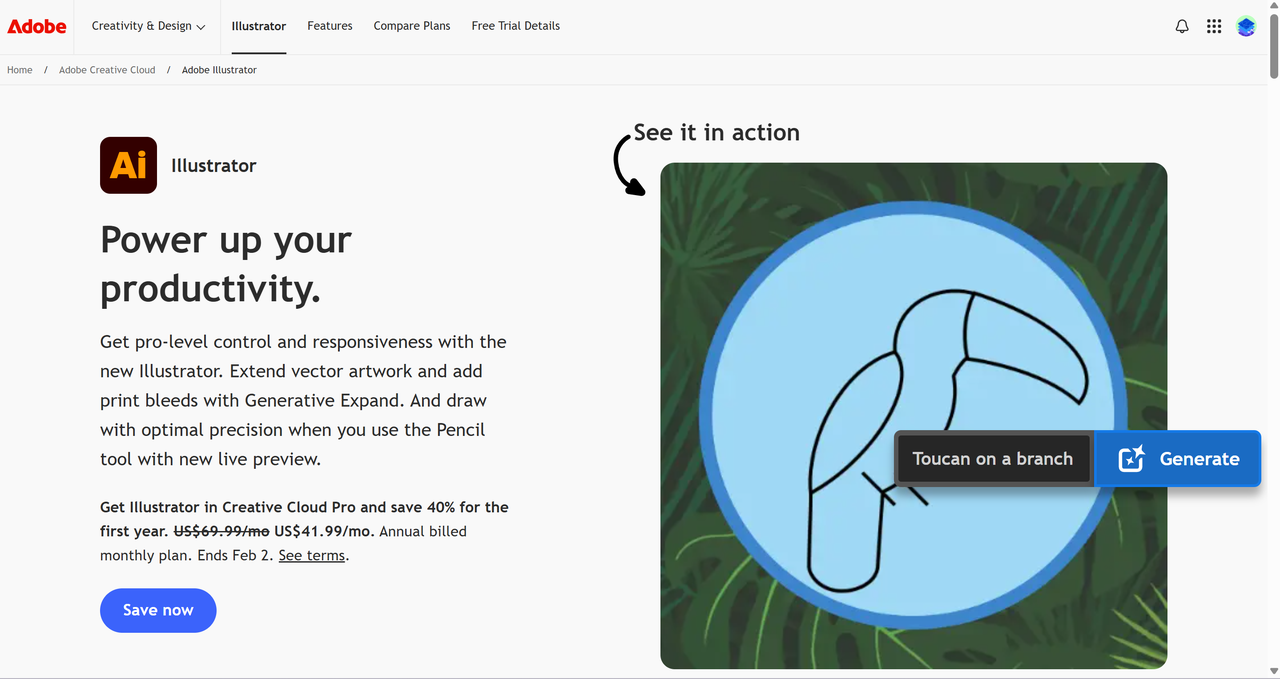
Adobe Illustrator — The industry-standard vector design software used by most professional logo designers.
It offers unmatched precision with advanced pen tools, full control over paths, curves, typography, and color management, supports true scalable SVG files, and allows complete creative freedom for timeless, custom brand identities.
5.CorelDRAW
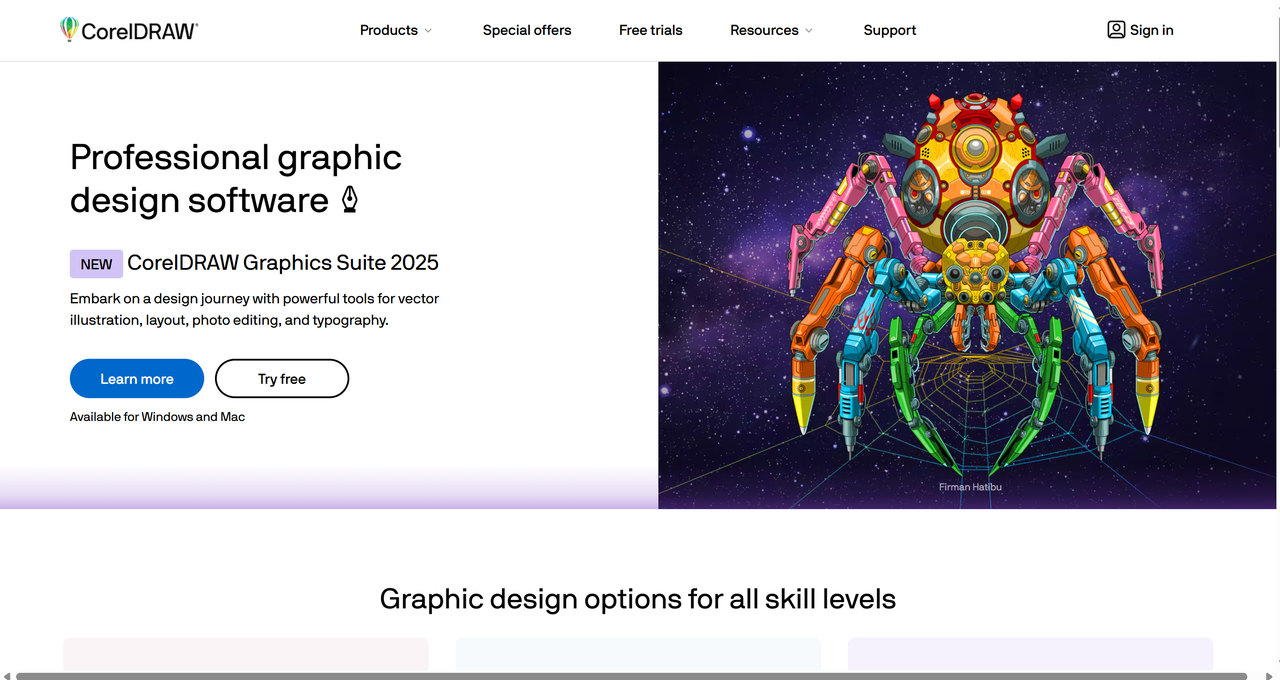
CorelDRAW — Professional vector graphics software built for logo design and brand identity.
It offers thousands of high-quality templates, icons, fonts, and shapes, along with powerful typography and color management features. Easily create logos and export them in high-resolution PNG, SVG, PDF, and other formats, ensuring perfect quality for any application — from business cards to billboards.
Ideal for designers and businesses seeking professional-grade results with easy customization and long-term scalability.
Final Thought
Definitely yes!!! Canva's logo maker really shines for the right person.
In this Canva logo maker review, it's clear the tool remains one of the best DIY options in 2026: fast, completely free at the entry level, incredibly versatile, and powerful enough to produce clean, modern, professional-looking logos.
That said, if your brand demands maximum uniqueness and originality, you might eventually want to level up. In those cases, switching to a more AI-specialized tool like Sologo.AI can make a big difference — it generates truly custom, non-template-based designs from your sketches, then bundles them with complete brand kits for stronger long-term consistency.
FAQs
Q1: Are Canva logos good?
Yes, Canva delivers solid, professional-quality logos for most users in 2026. With thousands of modern templates, an intuitive drag-and-drop editor, diverse fonts/graphics, and built-in AI assistance, it's a go-to choice for small businesses, startups, and personal brands. The results often look polished and contemporary—far superior to basic DIY attempts—making it reliable for everyday branding needs.
Q2: Can I use Canva to create logos?
Absolutely—Canva's logo maker is beginner-friendly and powerful. Jump in with ready-made templates for quick starts, or use the AI Logo Generator to input your brand details and get instant custom suggestions. Everything is editable via simple drag-and-drop tools, so even non-designers can craft something tailored and effective in minutes.
Q3: Can you legally use Canva logos?
You can create and use logos made in Canva for most purposes, including commercial ones like websites, social media, and merchandise. Stick to free elements (basic shapes, lines, and all fonts) for full ownership rights. Avoid stock photos/graphics/illustrations in final logos if you need exclusive/trademark protection—these come with non-exclusive licenses, meaning others can use similar elements too.
Q4: Does Canva help with logo design?
Definitely! Canva's Brand Kit feature lets you upload and store your logos, colors, fonts, and templates for consistent application across projects. This keeps your branding cohesive and professional effortlessly, whether you're designing business cards, posts, or full marketing materials—perfect for maintaining a strong visual identity.