What Is the Renderforest AI Logo Generator
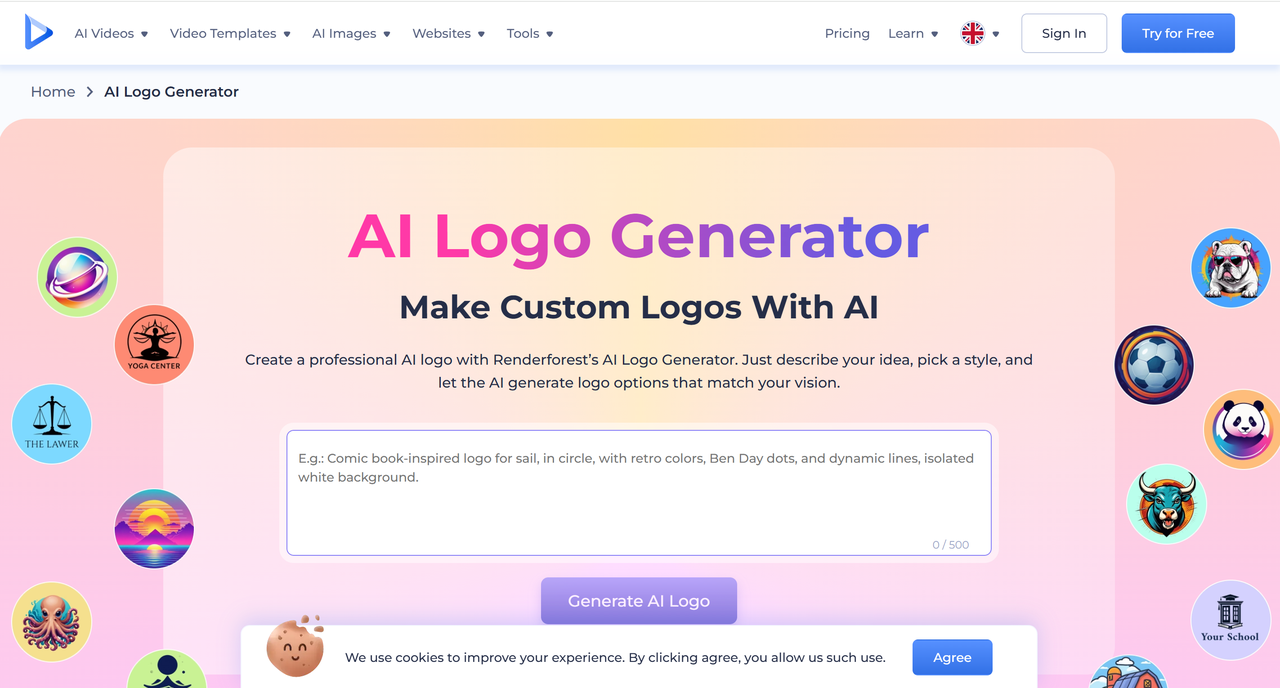
Renderforest is a cloud-based creative platform that offers video making, website building, mockup creation, and — most relevantly — AI-powered logo design. Its logo generator uses a combination of template-based design and machine learning to produce logo options based on description of your industry, and style preferences.
The process is relatively straightforward:
1. Describe your idea
Start by telling the AI what you want your logo to look like. Share a clear description that captures your brand's personality, concept, or theme. This initial step guides the AI to generate results that match your vision.
2. Pick a style
Choose from a range of artistic options like 3D, geometric, sketch, pixel art, or digital painting. And if you think of something different, you can always tweak or change your description without having to go back.
3. Generate and customize
Add professional-sounding voiceovers to your cartoon with just a few clicks. The AI Cartoon Generator allows you to upload or record high-quality voiceovers that syncs perfectly with your animations, improving the overall production value.
How the AI Logo Generation Process Works
Renderforest's AI doesn't generate logos from scratch the way some newer generative AI tools do. Instead, it intelligently matches your inputs to pre-designed templates, then customizes elements like color palette, typography, and icon style based on your preferences. The result is a polished, semi-customized logo delivered in seconds.
Once you've selected a base design, you can use the built-in editor to adjust fonts, colors, layouts, and icon combinations. The editor is drag-and-drop friendly, making it accessible even for users with no design background.
Pricing and Download Options
One of the most common questions about Renderforest is whether you can actually download a high-quality logo for free. The short answer: you can preview and experiment for free, but downloading a high-resolution, watermark-free file requires a paid plan. Pricing typically starts around $9.99 per month for basic access, with higher tiers unlocking vector files (SVG, EPS) suitable for professional print use.
This freemium model is common across AI logo tools, but it's worth knowing upfront so you're not surprised at the download stage.
Key Features of Renderforest Logo Maker
Renderforest offers a fairly comprehensive set of features for an AI-powered logo tool. Understanding what's included — and what's not — helps you evaluate whether it fits your specific needs.
Extensive Template and Icon Library
The platform hosts thousands of logo templates spanning industries from tech and fitness to food, fashion, and finance. Each template is customizable, and you can swap out icons, change color schemes, and mix typography styles. The icon library is particularly broad, which gives you more creative flexibility than many competitors.
Brand Kit Integration
One standout feature is Renderforest's brand kit functionality. Once you finalize your logo, the platform can generate a full brand identity package — including business card designs, social media assets, and letterheads — all styled consistently with your logo. For small businesses building their visual identity from the ground up, this can save significant time and design budget.
Multi-Format File Export
Paid plans allow you to export your logo in multiple formats, including PNG (with transparent background), SVG, and PDF. Vector formats are essential if you plan to use your logo on physical materials like signage, merchandise, or printed collateral, since they scale without losing quality.
Limitations to Be Aware Of
No tool is perfect, and being transparent about Renderforest's limitations helps you make a more informed decision. Several users and reviewers have noted that because the platform relies heavily on templates, there's a risk of your logo looking similar to another brand's if they used the same base design. True uniqueness can be harder to achieve compared to working with a dedicated designer or a more generative AI system.
Additionally, the customization depth, while solid for a template-based tool, doesn't match the flexibility of professional design software like Adobe Illustrator. If you need highly specific design adjustments — unusual layouts, custom illustration elements, or complex icon work — you may find the editor limiting.
The platform's free tier is also quite restricted. While it's useful for exploration, the watermarked previews and low-resolution exports make it impractical for actual business use without upgrading.
How Sologo.AI Compares as an Alternative
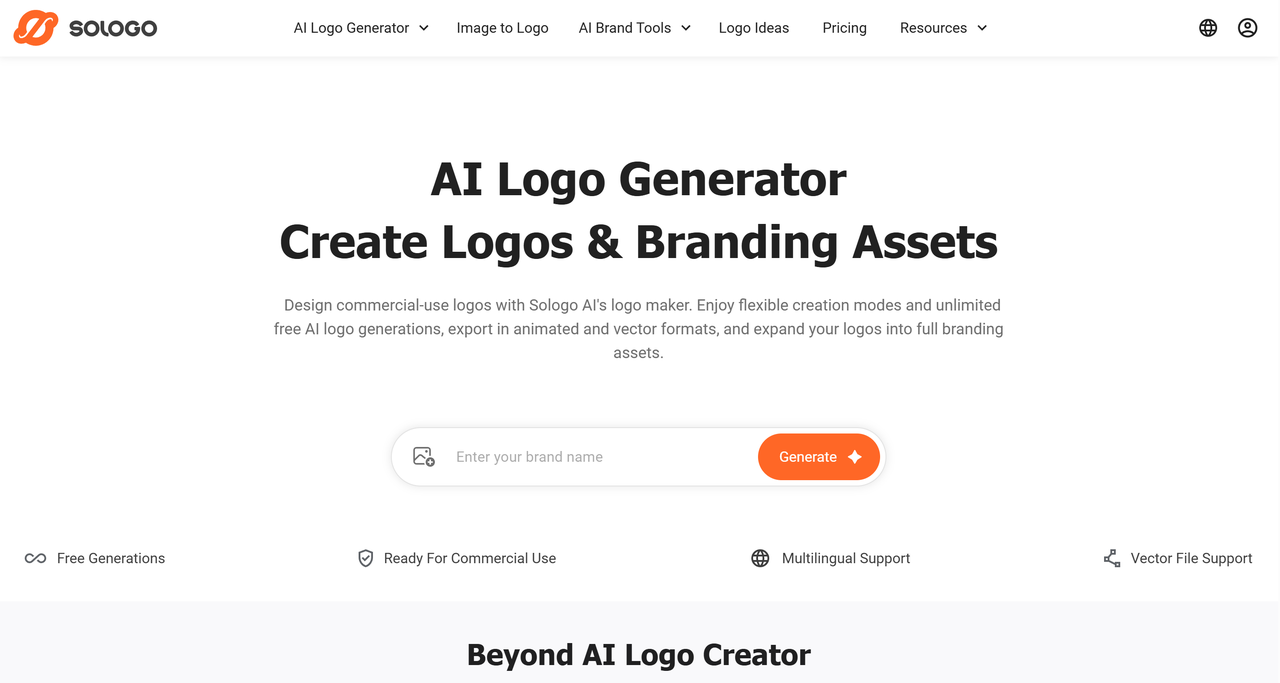
If you're evaluating the Renderforest AI logo generator alongside other tools, Sologo.AI is worth a close look. Unlike template-matching systems, Sologo.AI uses advanced generative AI to create logos that are genuinely unique to your brand — not variations on a shared template library. This significantly reduces the risk of logo similarity with other businesses.
Here's how to create a logo with Sologo.AI in just a few steps:
Step 1: Go to Sologo.AI and choose one of features like name to logo and a brief description of your business or industry.
Step 2: Choose your preferred design style, color mood, and any icon or symbol direction you have in mind.
Step 3: Review the AI-generated logo concepts — each one is original and tailored to your inputs, not pulled from a template database.
Step 4: Use the editor to refine colors, typography, and layout to your satisfaction.
Step 5: Download your final logo in high-resolution formats, including SVG and PNG with transparent background, ready for both digital and print use.