But can Midjourney really produce usable, professional logos? The short answer is: it excels at creative exploration and mood-board level concepts, but it is not a replacement for final production-ready logo design.
This in-depth guide will show you exactly how to use Midjourney for logos effectively in 2026 — including battle-tested prompt structures, essential parameters, style tricks, common mistakes, post-processing workflows, and realistic expectations about quality, copyright, and commercial use.
Why People Use Midjourney for Logo Design?
Here are the main reasons people turn to Midjourney for logo design:
What really makes Midjourney shine is its incredible speed, huge variety of styles, and strong artistic impact. In just seconds, it can give you minimalist symbols, retro badges, futuristic wordmarks, cartoon mascots… and almost any other aesthetic you can imagine.
Midjourney Logo Design: Strengths and Limitations
Advantages of using Midjourney for logos
Important limitations (be honest with yourself)
Getting Started: Midjourney Setup for Logo Work
1.Choose your access method
2.Subscription level recommendation for logo work
3.Set useful defaults
How to Write Effective Midjourney Logo Prompts
A strong logo prompt usually follows this structure:
[Subject/Brand Name] + [Logo Type] + [Style/Mood] + [Visual Elements] + [Art Direction] + [Technical Parameters]
Basic template examples
"minimalist wordmark 'NOVA', clean sans serif, single color, negative space, high contrast, vector style, logo design --style raw --ar 1:1 --v 6"
"geometric fox head symbol, abstract, modern, flat design, black and white, negative space logo, brand mark --style raw --no text --ar 1:1"
"cute cartoon red panda mascot logo, friendly, simple shapes, bold outlines, flat colors, emblem style --style raw --ar 1:1"
"vintage brewery badge logo, 'Iron Oak Brewing', ornate frame, hops and barrel illustration, classic emblem, aged texture --style raw --ar 1:1"
Must-Know Midjourney Parameters for Cleaner Logos

Negative prompt cheat sheet for logos
--no text, letters, words, signature, watermark, background, shadow, gradient, depth, 3d, shading, people, face, photorealistic, detailed texture, noise
Best Midjourney Prompts for Different Logo Styles
1. Minimalist / Geometric
"
abstract geometric mountain peak symbol, hexagon frame, monoline, single line art, negative space, modern logo, black and white --style raw --ar 1:1 --stylize 20"
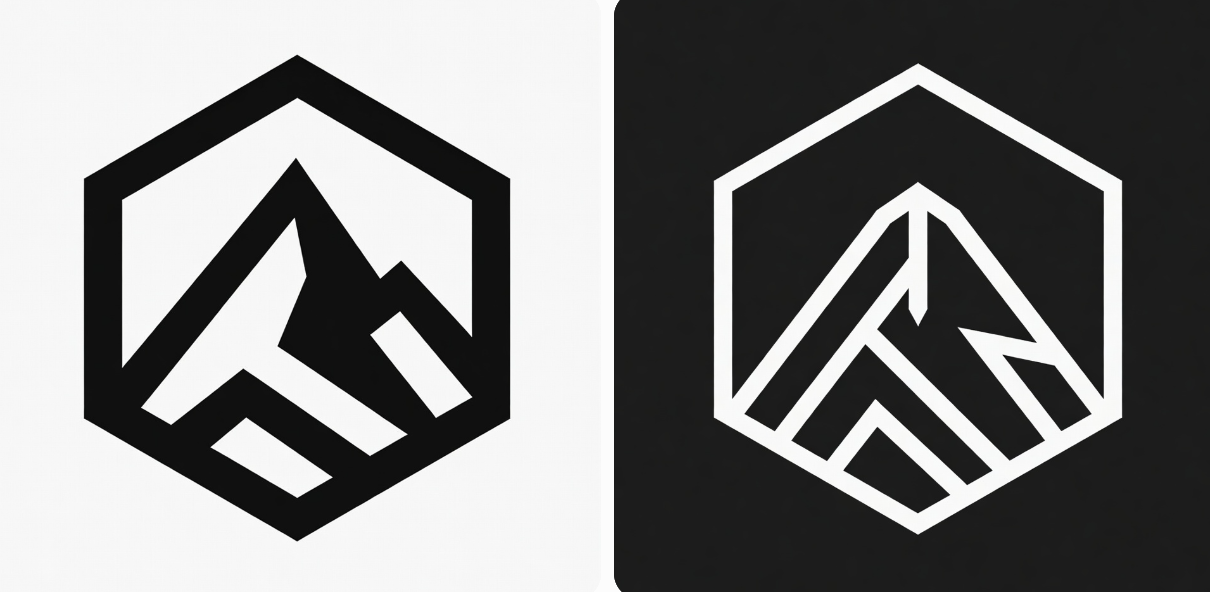
2. Wordmark with subtle graphic
"
elegant serif wordmark 'LUNAR', subtle crescent moon integrated into letter L, luxury branding, black background, high contrast --style raw --ar 1:1"
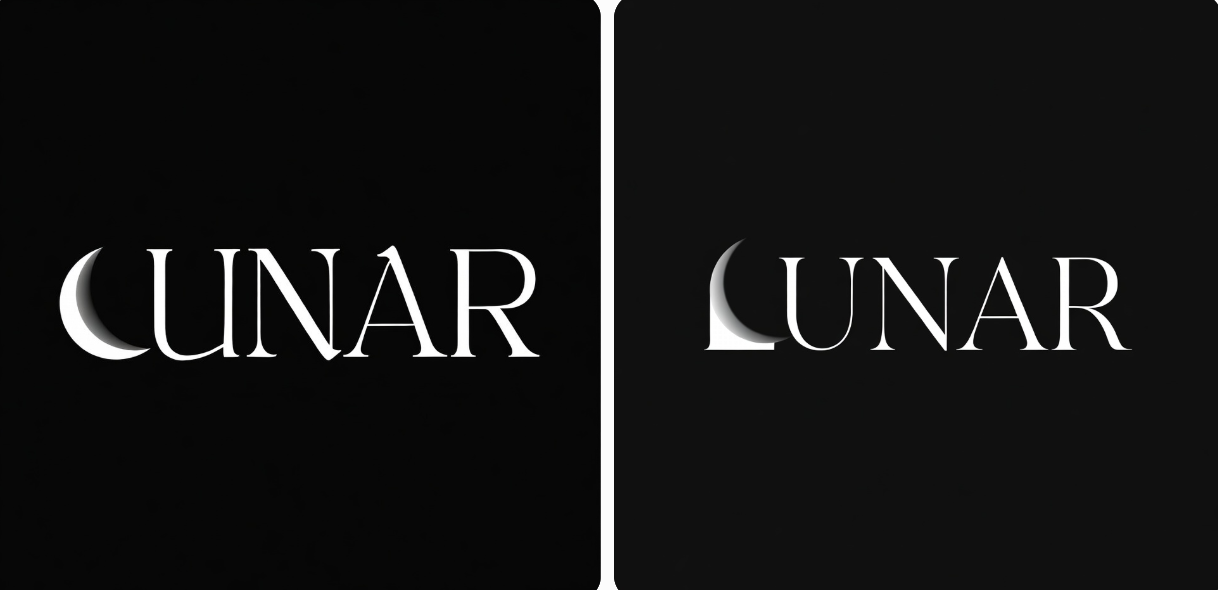
3. Illustrative / Mascot
"
friendly cartoon sloth hanging from branch, simple mascot logo, rounded shapes, pastel colors, bold outline --style raw --ar 1:1 --no background"
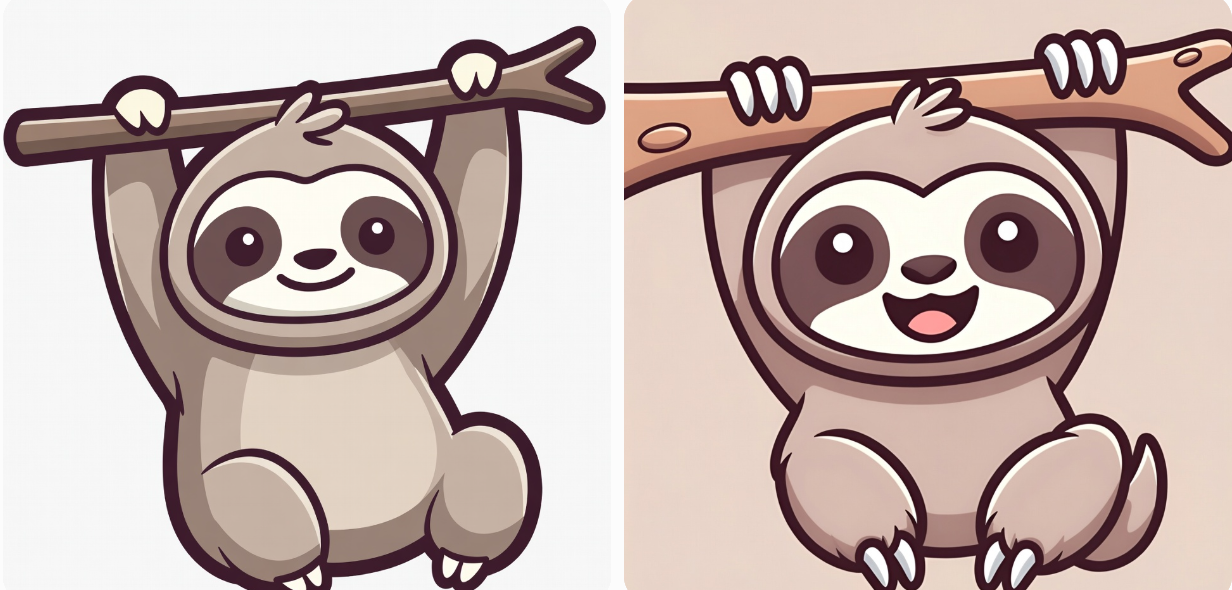
4. Retro / Badge / Emblem
"
vintage travel badge 'Wanderlust Expeditions', compass rose and mountain, classic Americana style, detailed linework, circular emblem --style raw --ar 1:1"
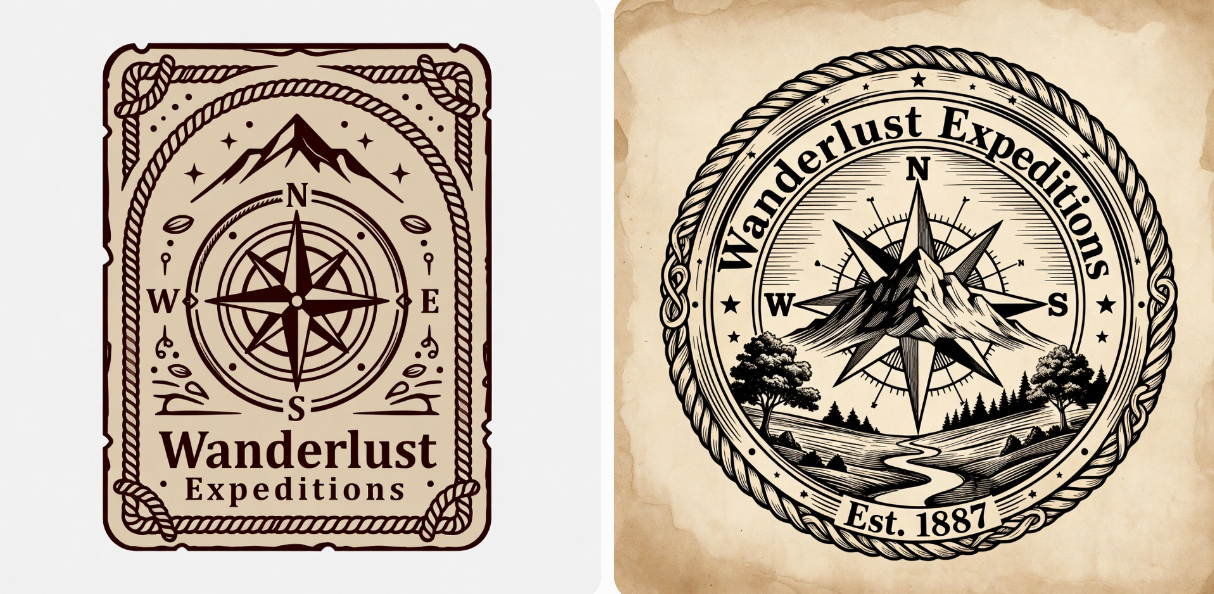
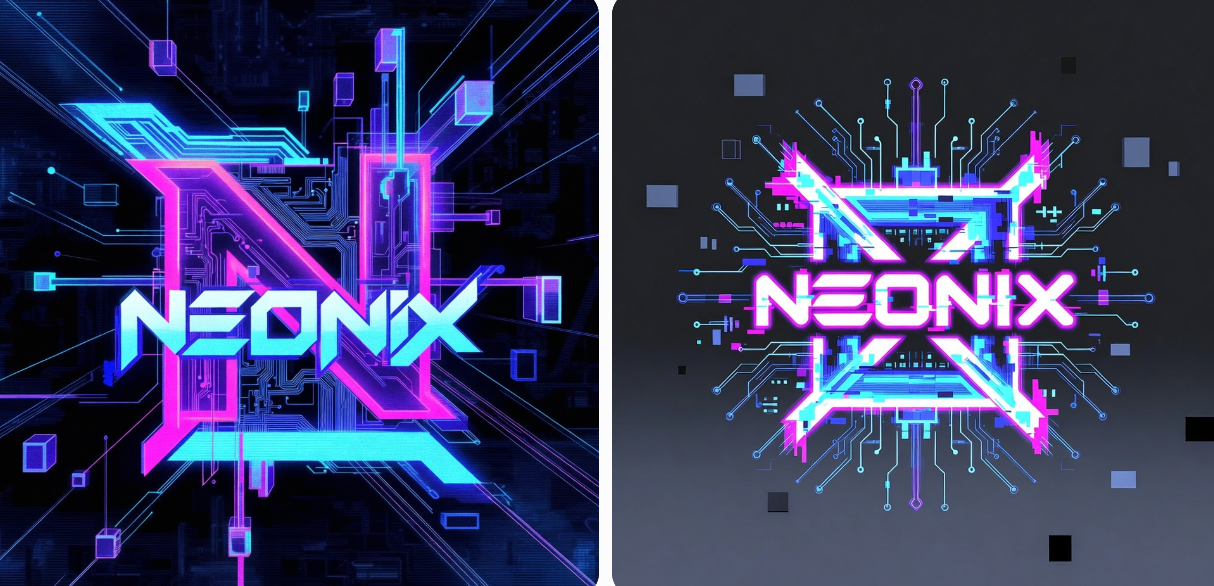
5. Tech / Futuristic
"
cyberpunk neon circuit board logo 'NEONIX', glitch effect, sharp angles, dark background, futuristic tech brand --style raw --ar 1:1 --stylize 60"
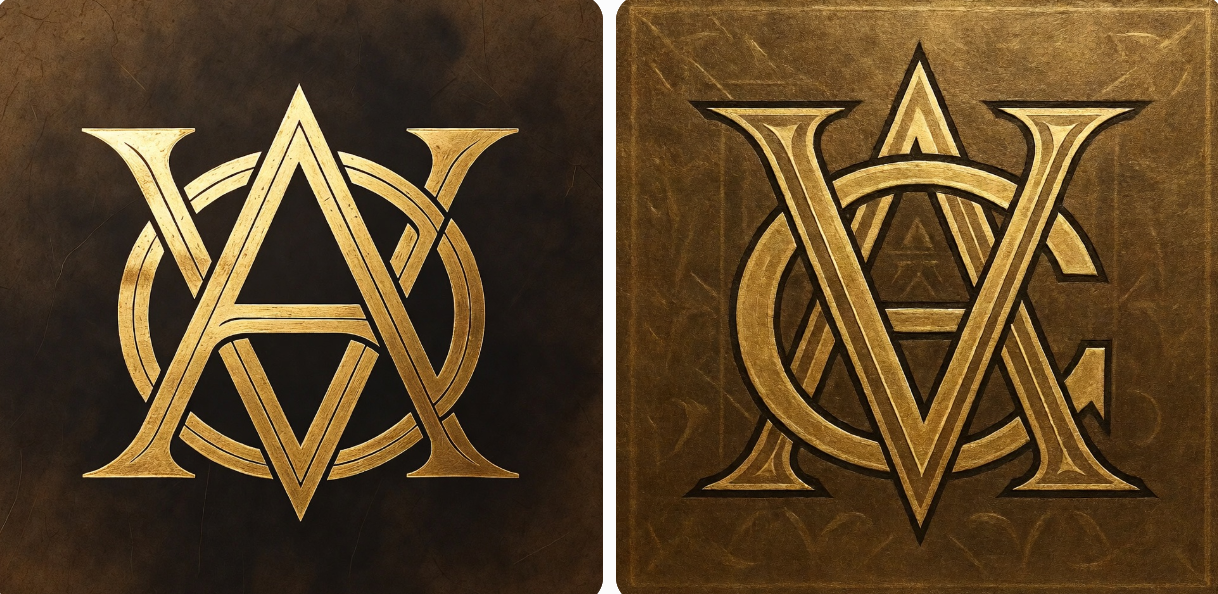
6. Luxury / Monogram
"
luxury monogram 'A & V', intertwined letters, art deco style, gold foil texture, elegant jewelry brand --style raw --ar 1:1 --stylize 30"
Advanced Techniques for Better Logo Results
Here are the most powerful Midjourney features to take your logo concepts from good to great. These techniques help you iterate faster and get cleaner, more consistent results.
1.Remix Mode
Generate an initial set of images, upscale the one you like best, then click the "Remix" button. Change only 1–2 words in the prompt and run it again. Repeat this loop to quickly refine and evolve the design without starting from scratch.
2.Vary (Region)
When the main symbol or shape is perfect but the text is wrong, use Vary (Region). Select only the text area with the lasso tool, type a new prompt for that section, and let Midjourney repaint just that part while keeping everything else untouched.
3.Blend + Image Prompt
Upload 2–3 favorite reference logos you want to draw inspiration from. Use the /blend command to mix them, or paste their image URLs at the very beginning of your prompt. This helps Midjourney strongly follow the proportions, style, and mood of your references.
4.--sref (Style Reference)
Find or create a clean vector-style logo you love, upload it, and add --sref [image URL] at the end of your prompt. This locks in the overall aesthetic (line weight, color vibe, minimalism level, etc.) so every new generation stays much closer to your desired look.
5.--cref (Character Reference)
Working on a mascot or character-based logo? Upload one good version of the character and add --cref [image URL] to your prompt. This keeps the same character design consistent across different poses, angles, or expressions — perfect for building a full brand family.
Post-Processing: Turning Midjourney Images into Usable Logos
Midjourney provides a brilliant starting point, but its raster images (PNGs) are not ready for real-world use. To transform them into production-ready logos, follow these three essential steps:
1.Clean Up the Image (in Photoshop / Affinity Photo)
First, we need to polish the raw image and prepare it for the next stage.
2.Vectorize the Design (The Most Critical Step)
A true logo must be a vector graphic—defined by mathematical paths rather than pixels. This makes it infinitely scalable without losing quality. You have several options:
3.Rigorous Test for Scalability and Versatility
A great logo must work everywhere. Before finalizing, put it through these tests:
Legal & Commercial Use Considerations (Important in 2026)
Best practice: use Midjourney for inspiration and prototyping → hire a designer to create the final, clean, vector version.
Midjourney for Logos vs AI Logo Generator
Midjourney is a powerful general-purpose image generator, excellent for artistic and creative outputs, but it’s not specifically designed for logo creation. The results often come with heavy stylization and require significant post-editing to become clean, scalable, and commercially usable.
Dedicated AI logo generators, on the other hand, are built with logo design in mind. They focus on clear lines, proper typography, scalability, and results that are much closer to “ready to use” right away.
A good example is Sologo.AI. It produces clean, professional logos with strong typography and offers true vector (.SVG) export directly from the tool. It generates quickly, has a simple interface that’s easy for beginners, and delivers more consistent, business-ready results compared to general-purpose tools like Midjourney.
Comparing Midjourney to Dedicated AI Logo Generators

Notice: Many designers now use Midjourney for initial ideas → Ideogram for text-heavy designs → Illustrator for final vector.
Conclusion: Should You Use Midjourney for Your Next Logo?
Yes — if your goal is to:
No — if you need:
The smartest workflow in 2026 is hybrid: Midjourney for quantity and creativity → professional refinement for quality and legal safety. Ready to start? Head to Midjourney official website, type /imagine, and try one of the prompts above. You’ll be amazed how fast ideas come to life.
Happy designing — and good luck with your next brand!
FAQ – Midjourney for Logos
Q1: Can Midjourney make vector logos?
No, Midjourney only generates raster images (PNG/JPEG).
You’ll need to convert the best results into vector format using tools like Adobe Illustrator (Image Trace), Vector Magic, Inkscape, or by manually recreating the design for clean, scalable output suitable for print and branding.
Q2: Is Midjourney good for typography / wordmarks?
Not really — Midjourney often distorts letters, creates inconsistent spacing, or produces illegible text. It performs much better for symbolic marks, icons, pictorial logos, and illustrative elements. For clean wordmarks, many users combine Midjourney concepts with manual typography work in design software.
Q3: Can I sell logos I made with Midjourney?
Yes, you can sell or use them commercially if you have a paid Midjourney plan (per their current terms of service).
However, for the strongest legal protection and trademark eligibility, it’s highly recommended to refine and finalize the design with human adjustments to avoid potential copyright or originality issues.
Q4: What is the best Midjourney version for logos in 2026?
The combination of --v 6 and --style raw currently delivers the cleanest, most usable results for logo design. Lower stylize values (0–40) and careful negative prompts help reduce unwanted artistic flourishes, making the output closer to professional, scalable concepts.
Q5: How do I stop Midjourney from adding random text?
Add --no text, letters, words, signature, watermark to your prompt — this is the most effective way to prevent unwanted text.
You can also use --no text in combination with --style raw to further clean up the generation and focus purely on shapes, symbols, and visual elements.