But before you hit that 'pay' button, there are a few key details about pricing, file formats, and long-term value that aren't always front and center. In this in-depth review, we'll break down what Looka actually delivers, highlight its real strengths and frustrations, and introduce a strong emerging alternative: Sologo.AI. By the end, you'll have a clear picture of which tool offers the best bang for your buck—especially if you're a startup founder, freelancer, or small business owner watching every dollar."
What is Looka?
Looka is a user-friendly AI logo generator that empowers businesses to create professional brand identities in minutes. By blending artificial intelligence with your design preferences, it produces unique logo concepts and complete branding kits without requiring graphic design skills. Whether you are a startup founder or a freelancer, Looka streamlines the entire process from concept to final vector files.
What Makes Looka Stand Out?
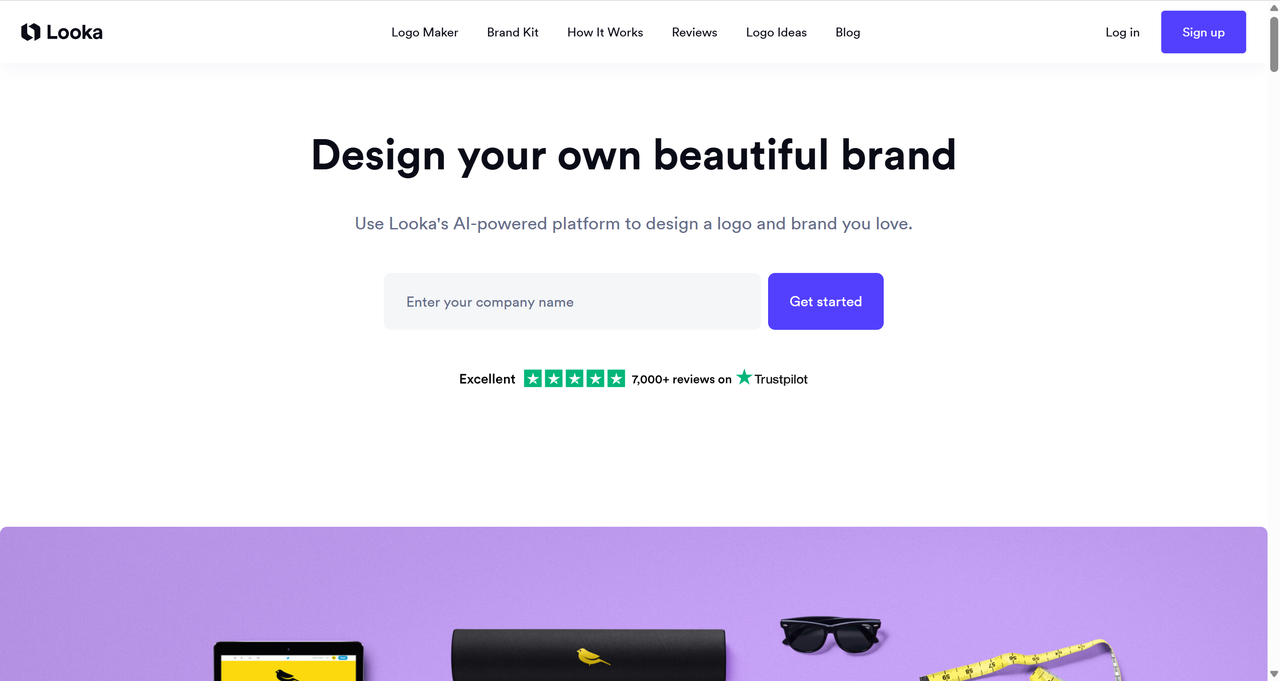
Diverse and Powerful Features
Looka provides a comprehensive suite of advanced features, including logo design, high-resolution logo files, a full brand kit, ready-to-use social media templates, business card designs, and essential brand information. Together, these tools are designed to meet all your core branding and logo design needs.
This all-in-one AI logo generation platform is designed for small teams and growing companies that require consistent branding across multiple channels.
Smooth User Experience
Looka takes a personalized approach to logo design, and its widespread popularity is well-deserved. The process is smooth and intuitive — just enter your brand name, slogan, and industry, then pick your preferred colors and icons. Within seconds, Looka generates dozens of polished, fully customizable logo options for you to refine and make your own. Whether you're a first-time designer or just looking for a faster workflow, the learning curve is minimal and the results speak for themselves.
Beginner-Friendly Interface
The interface is clean and straightforward—ideal for those new to design, with no prior knowledge required. A standout feature is the Brand Kit, which becomes available upon purchase. It includes realistic mockups of your logo on business cards, social media posts, signage, apparel, and more. These previews help you visualize how the design will look in real-world applications.
Where Looka Falls Short?
Despite its polish, Looka has some serious drawbacks that catch many first-time users off guard.
Pricing Lacks Full Transparency
First, pricing lacks full transparency upfront. You can design logos completely free and play around endlessly, which is great for inspiration. But the moment you want to download usable files, you pay. The entry-level Basic Logo Package is $20 (one-time), but it only gives you a single low-resolution PNG file—often with a non-transparent background. That's fine for a quick social media avatar, but useless for professional websites, printing, or scaling.
Subscription Push Feels Unnecessary for One-Time Users
Need vector files like SVG or EPS for signage, embroidery, large prints, or resizing without quality loss? Those are locked behind the Premium Logo Package at $65 (one-time). Yes, $65 gets you high-res PNGs, transparent versions, SVG, EPS, PDF, and color variations—but it's a jump that surprises people expecting "AI logo = cheap."
Then there's the push toward subscriptions. Looka heavily promotes the Brand Kit Subscription at $96/year (billed annually) or similar monthly options. This unlocks unlimited edits, full brand assets, social templates, and ongoing access. For someone who just needs one solid logo, this feels like an unnecessary recurring expense. You're essentially paying monthly for features you might use once.
Designs Can Look Too Similar Across Users
Another common complaint is design homogenization. Looka's massive user base and template-heavy system mean many logos end up looking similar. The icon library is huge, but the combinations often feel familiar—leading to "logo twins" in the same niche. If uniqueness matters for standing out in a crowded market, this can be a drawback.
Editing Flexibility Has Its Limits
Finally, editing has limits. After generation, you can tweak colors, fonts, and layouts, but deep vector-level adjustments (like node editing or custom path manipulation) aren't fully supported. If your vision requires precise control, you may hit a wall.
These issues add up, especially for budget-conscious entrepreneurs who want pro-grade files without ongoing costs or cookie-cutter results.
How to Create Your Logo with Looka: A Step-by-Step Guide
1.Start with Design Inspiration
Enter your company name, slogan, and industry. Then select your preferred colors and symbols — Looka's AI uses these inputs as the foundation for generating logo concepts tailored to your brand.
2.Browse and Favorite Logos
Within minutes, you'll have access to dozens of fully customized logo options. As you scroll and favorite designs, Looka learns your preferences and continues refining its suggestions in real time.
3.Perfect Your Design
Click any logo to explore variations in color, typography, layout, and iconography. Fine-tune every element — from font weight to symbol sizing — until the design feels exactly right for your brand.
4.Preview Logo Mockups
Favorite a logo to see how it looks across real-world applications — business cards, T-shirts, storefronts, and social media profiles. All previews update instantly as you make adjustments.
5.Download Your Files
Once you've chosen and purchased your logo, Looka delivers a complete file package — including high-resolution PNGs, transparent versions, and vector files (SVG, EPS, PDF) ready for both digital and print use.
Enter Sologo.AI: A Smarter, More Affordable Alternative
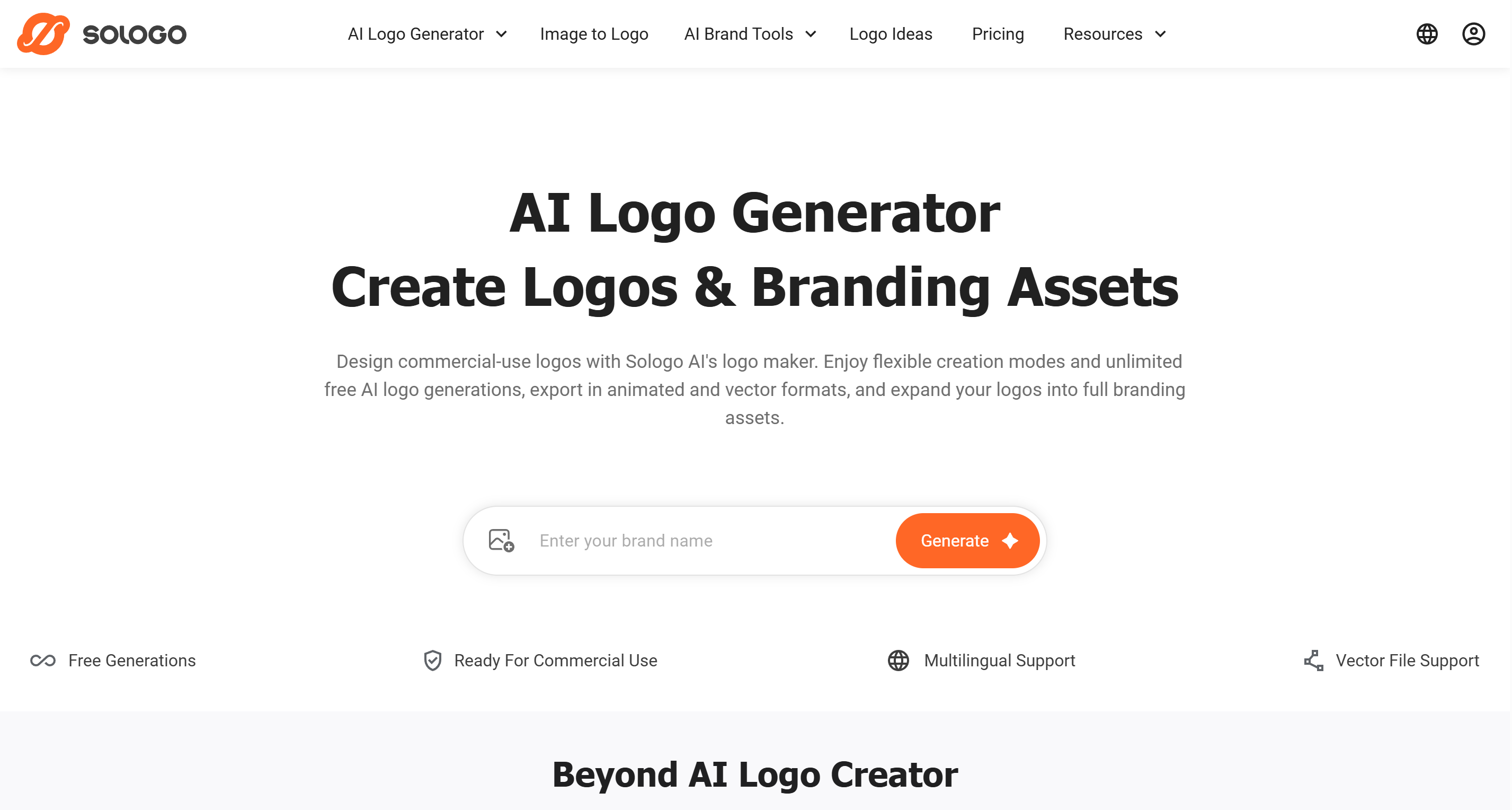
This is where Sologo.AI steps in as a compelling challenger. Built with the latest generative AI, it addresses many of Looka's pain points head-on.
The biggest win is true one-time value. Sologo.AI offers free generations (unlimited in text mode on the free tier), and paid plans start low. The Standard plan runs about $9.90/month or $95/year, but crucially, even basic downloads include high-quality vector files (SVG, PDF) and commercial rights—no forced upgrades for essentials. No $65 surprise for vectors.
Its AI engine goes beyond template matching. Using advanced generative models, Sologo.AI creates more original icons and typography combinations. Input your brand name, keywords, an image reference, or even a rough sketch, and it produces truly custom-feeling designs with less risk of duplicates.
You get full commercial ownership immediately upon download—no hidden clauses or subscription gates for basic rights. The platform supports multiple input modes like name-to-logo, image-to-logo, and sketch-to-logo, making it flexible for diverse businesses.
Sologo.AI also excels in industry-specific tuning. It performs particularly well for tech startups, e-commerce brands, and modern service businesses, delivering cleaner, contemporary aesthetics that feel fresh.
Side-by-Side Comparison: Looka vs. Sologo.AI
Here's a clear breakdown to see the differences at a glance:
|
Feature
|
Looka
|
Sologo.AI
|
|
Free Design & Preview
|
Yes
|
Yes (10 free credits included)
|
|
Free Low-Res Download
|
No (requires payment)
|
Limited on free plan
|
|
Vector Files (SVG/EPS/PDF)
|
Premium only ($65+)
|
Included in paid plans ($19/mo)
|
|
Pricing Model
|
One-time ($20–$65) or subscription ($96+/yr)
|
$19/mo or $99/yr subscription
|
|
AI Generation Method
|
Template-based combinations
|
Generative AI (name / image / sketch to logo)
|
|
Full Commercial Rights
|
Yes (after payment)
|
Yes (with active subscription)
|
|
Customer Support
|
Email/ticket
|
Online support + documentation
|
|
Brand Kit Included
|
Subscription only ($96+/yr)
|
Included in standard plan
|
|
Multilingual Support
|
Limited
|
Yes (17 languages)
|
|
Input Methods
|
Text prompt only
|
Name / image upload / sketch drawing
|
|
Mockup Preview
|
Yes
|
Yes (business cards, mugs, social media, etc.)
|
|
Online Editor
|
Basic tweaks
|
Full drag-and-drop AI-powered editor
|
Conclusion
Looka has established itself as one of the more polished looka ai logo generator options on the market — and for good reason. The platform's step-by-step process is smooth, the mockup library is extensive, and the brand kit subscription makes it a solid all-in-one solution for businesses with ongoing branding needs. That said, the pricing structure can catch users off guard, vector files require a premium purchase, and the template-based approach means uniqueness isn't always guaranteed in crowded niches.
If Looka fits your budget and workflow, it's a capable tool worth using. But logo design is one of those areas where it pays to explore your options before committing. Different platforms suit different needs — and tools like Sologo.AI offer a compelling alternative, particularly for freelancers and small businesses looking for generative AI designs, built-in vector files, and a lower barrier to entry. Try a few, compare the results, and let the output speak for itself.